
Sketches
A freeform whiteboard for diagrams, flows, and quick mockups — with autosave.
The Sketch tab is a freeform whiteboard for each project — the place to diagram a flow, sketch a mockup, or think visually when words aren't enough.
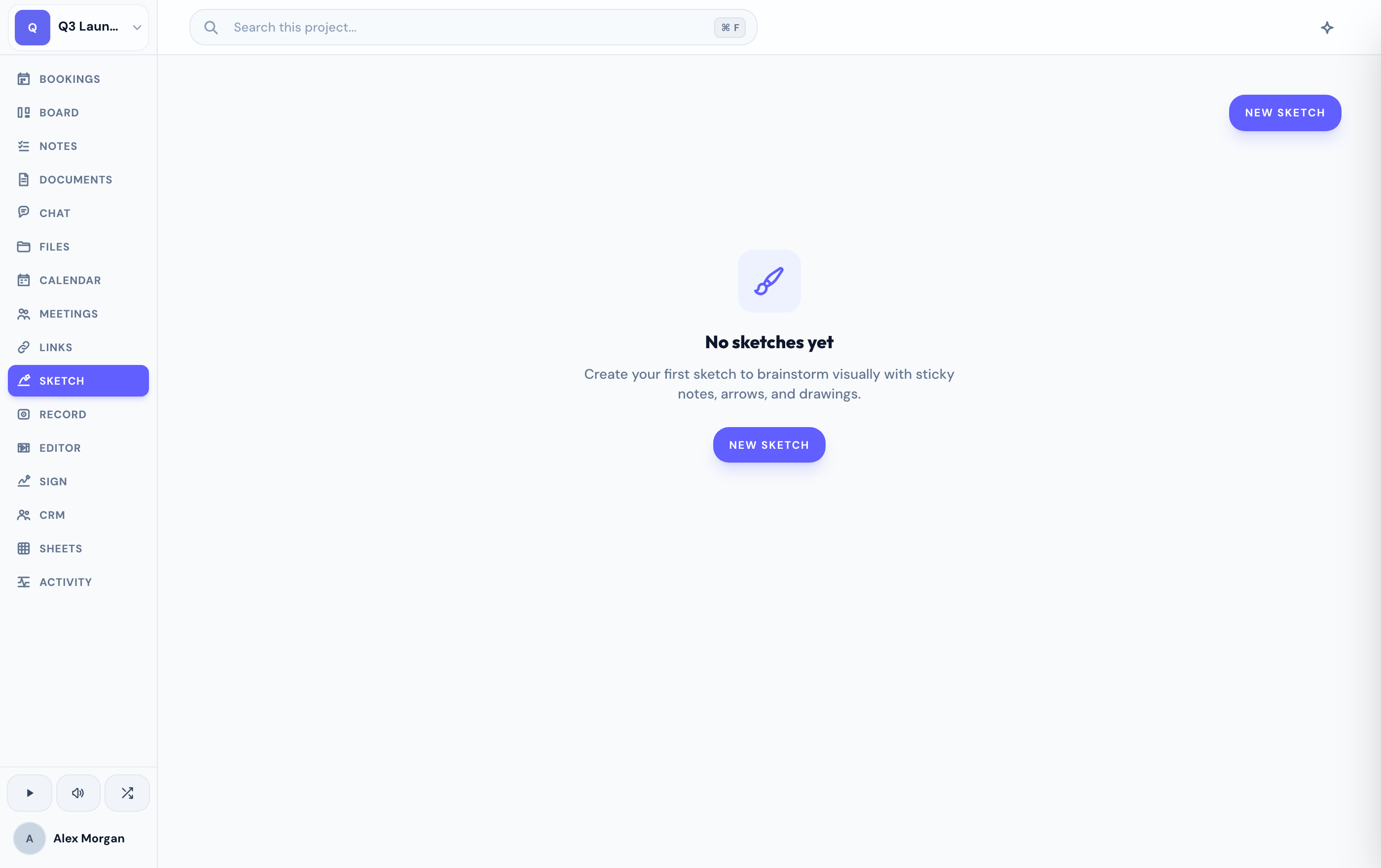
Draw on the canvas
The canvas gives you a full drawing toolset — pens, shapes, text, arrows, and more — so you can lay out ideas however they come. It's theme-aware, matching the look of the rest of your workspace.
Everything you draw autosaves as you go, so a sketch is always up to date without a save step.
Share a sketch
Publish a sketch as an unlisted, read-only link to share a diagram with someone outside the project — no account needed on their end, and nothing else in your workspace is exposed.
If you don't see the Sketch tab, an admin may have hidden it for your project.
Related
Was this helpful?