
Request a signature
Upload a document, add signers, and send it for signature without leaving Progress.
The Sign tab lets you send a document for signature right where the project lives, so approvals stay with the rest of the project's records instead of in a separate tool.
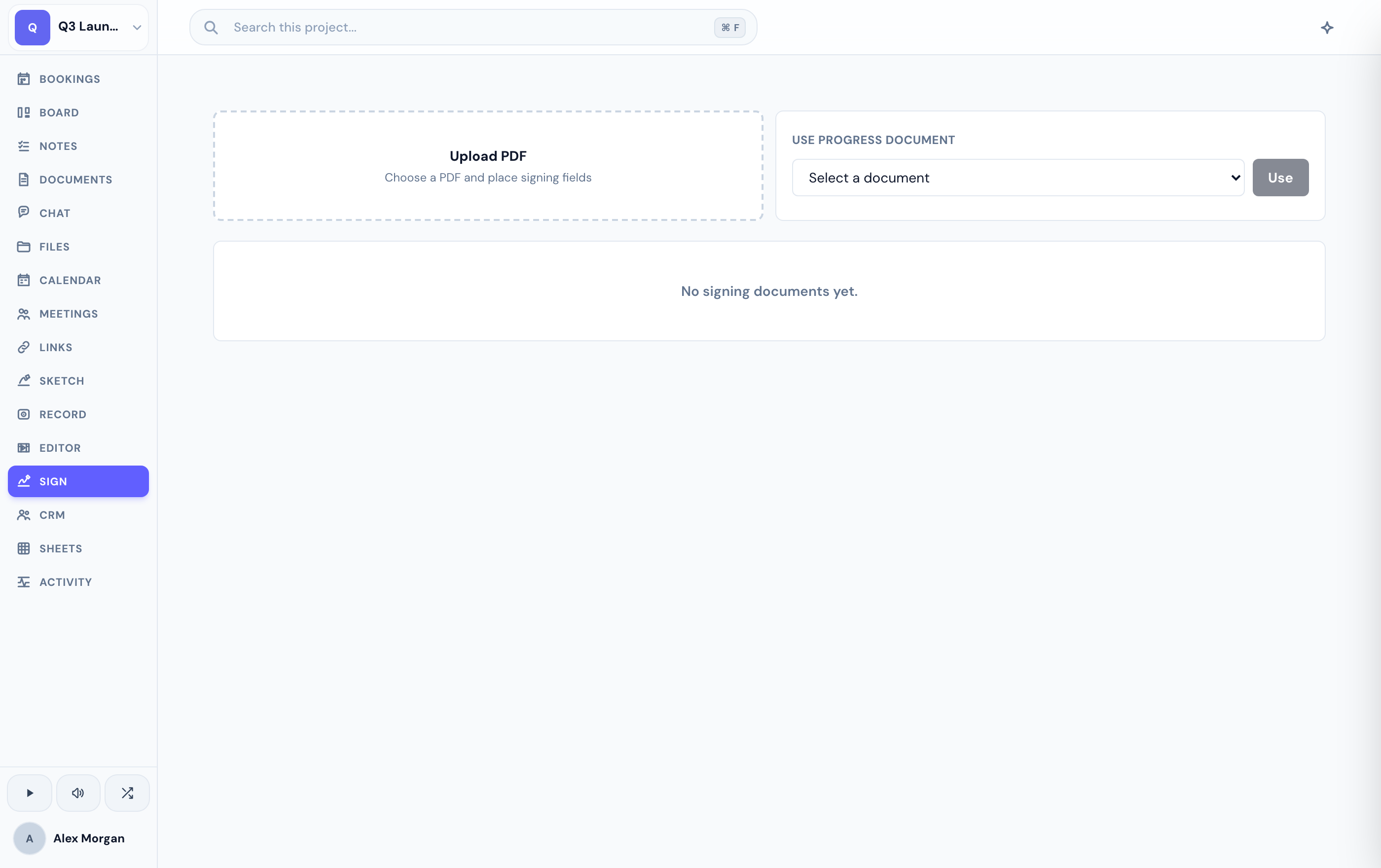
Send a document for signature
In the Sign tab, upload the source document — a PDF — that needs signing.
Add the people who need to sign, then place the fields they'll fill in. See fields and signers for the details.
Send it off. Each signer gets an email with a link to sign — no Progress account needed on their end.
What happens next
Signers open a private, tokenized link and complete their fields in the browser. You can follow each signer's status and see the full audit trail as the document moves along.
Once everyone has signed, the completed document is stored with the project. Track the whole flow in signing status and the audit trail.
If you don't see the Sign tab, an admin may have disabled it for your project.
Related
Was this helpful?