
Quick notes
A lightweight per-project checklist for capturing to-dos fast — separate from Documents.
The Notes tab is a simple running checklist for each project — the place to jot a quick to-do without spinning up a card. It's separate from Documents, the rich editor for longer writing.
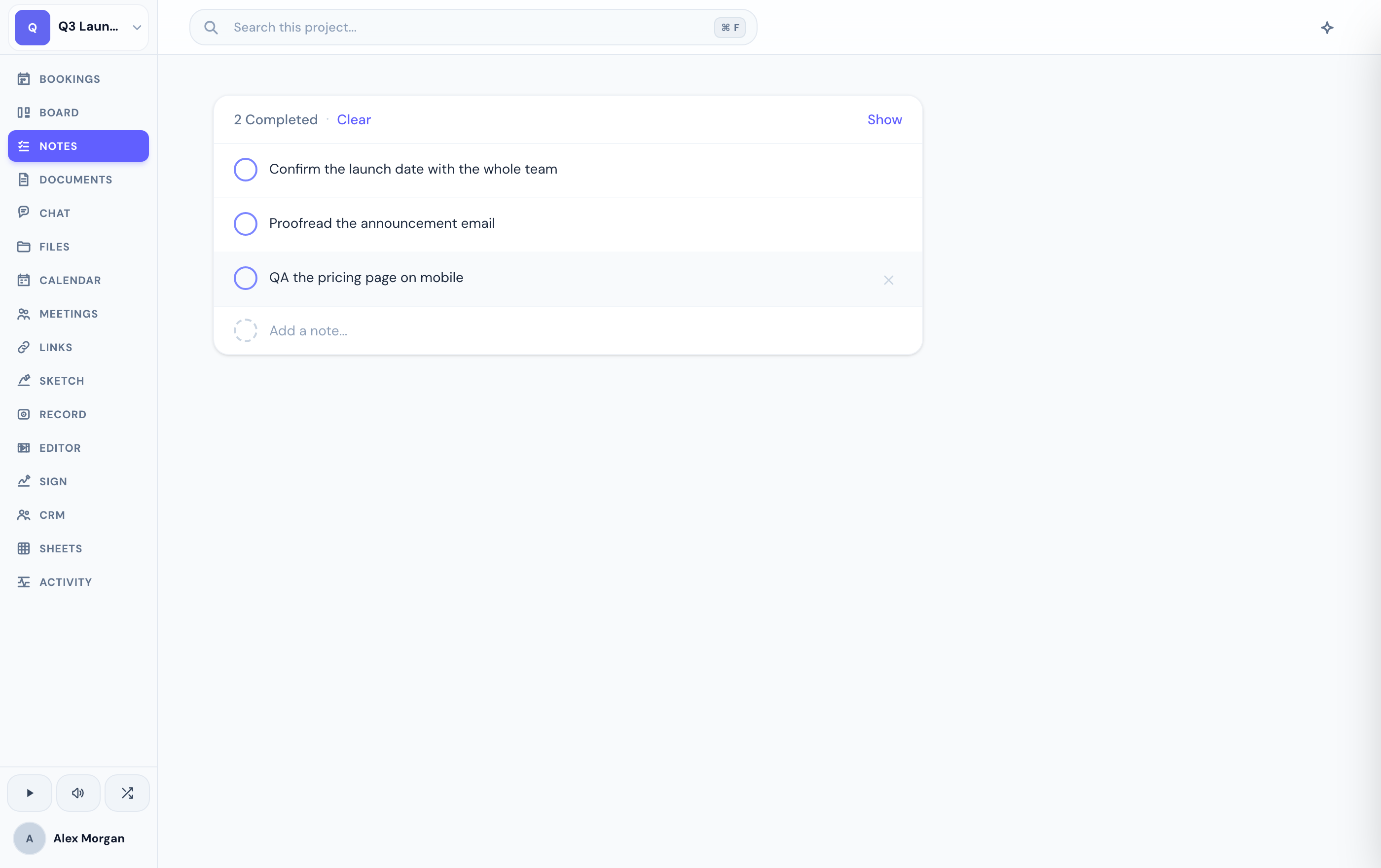
Capture and clear
Type into Add a note… and press Enter. Any URLs you paste become links automatically.
Tap the circle to mark a note done, or tap again to reopen it. Click a note's text to edit it inline — Enter saves, Escape cancels.
Show or hide completed notes, and clear the completed ones out when you're done with them.
Notes is a plain checklist — no @mentions or rich formatting. For those, use Documents. If you don't see the Notes tab, an admin may have hidden it for your project.
Clearing all of a note's text and saving deletes the note.
Related
Was this helpful?