
Links and bookmarks
Save and organize the URLs your project relies on, with titles and categories.
The Links tab is a shared bookmarks list for a project — a place to keep the URLs your team keeps reaching for, so they're not scattered across chat and browser tabs.
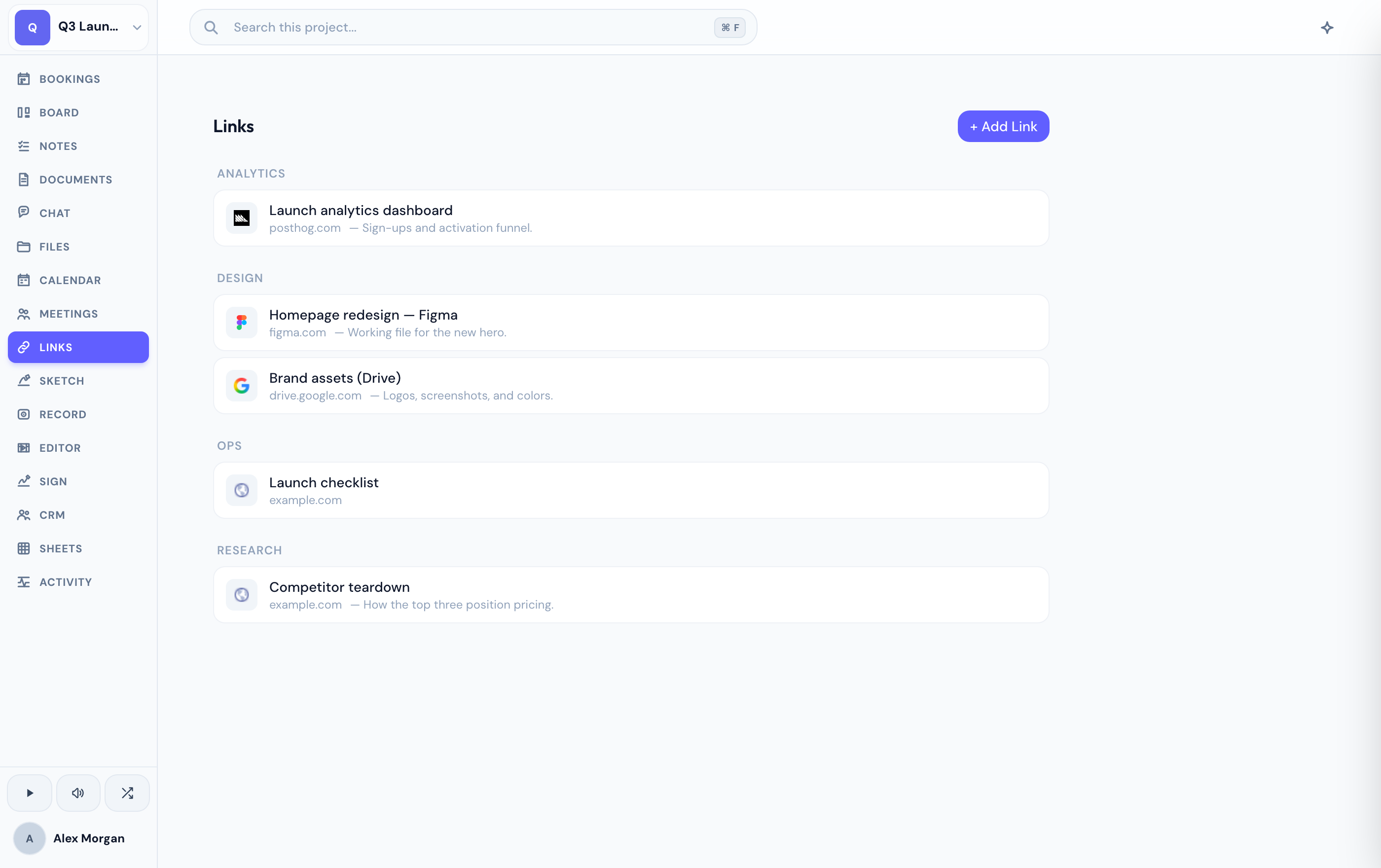
Save a bookmark
1
Add a link
Save a bookmark with its URL and a title.
2
Describe and categorize
Add a description and a category so the link is easy to place later.
Find them again
The list is searchable, so a growing collection of links stays easy to sift — search by title, description, or category to jump straight to the one you need.
If you don't see the Links tab, an admin may have disabled it for your project.
Related
Was this helpful?