
Activity log
A project-wide audit trail of who did what, filterable by area, with a daily digest.
The Activity tab is your project's audit log — a running feed of who did what across the whole workspace, so you can catch up at a glance or trace a change back to its source.
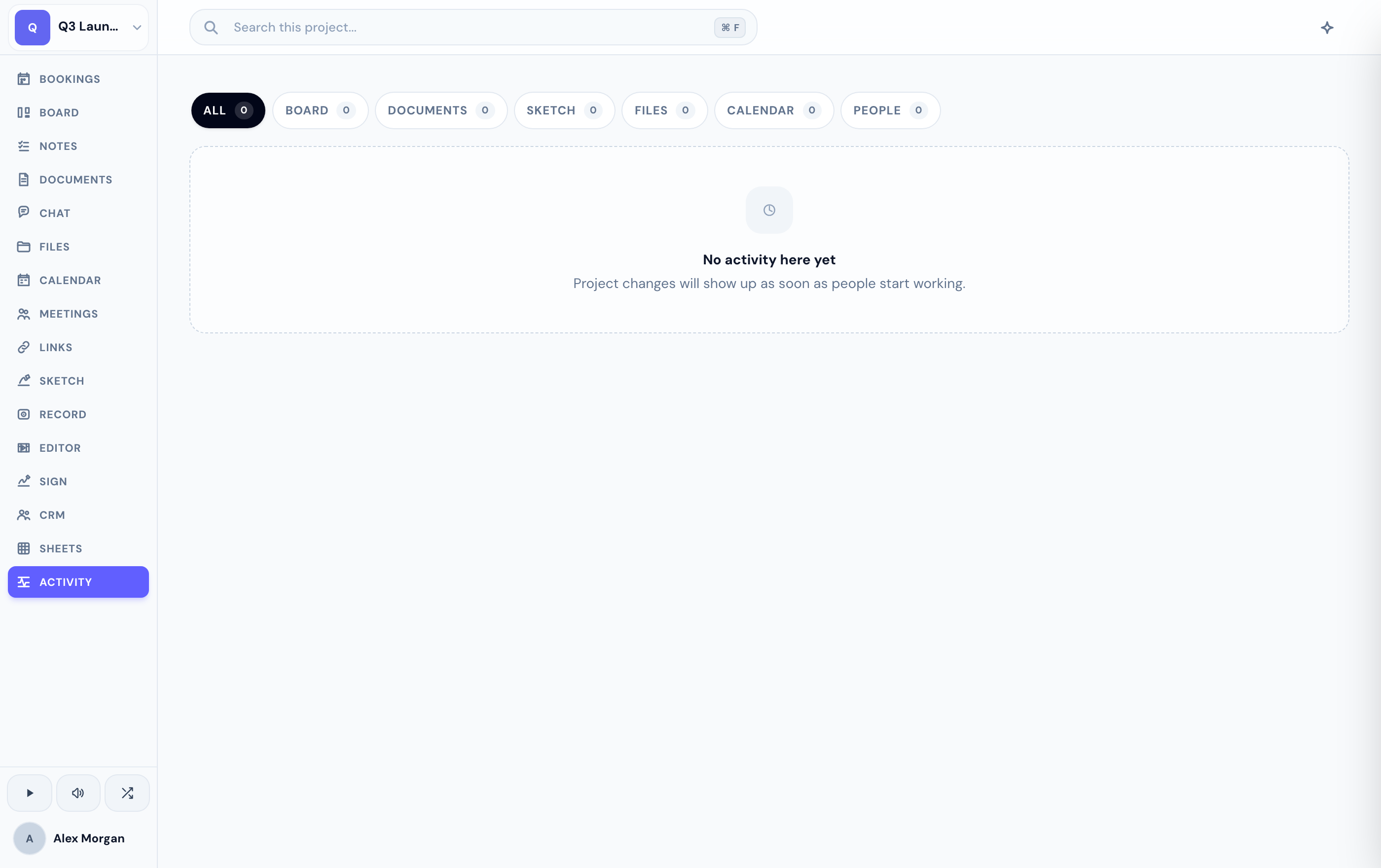
Browse and filter
Every row links straight to the thing that changed, so you can jump from the feed to the card, document, or file in one click. Filter the feed by area to focus:
- Board, Docs, Sketch, Chat, Files, Calendar, and People — or All to see everything.
Bursts of related creations are grouped into a single row, so the feed stays readable instead of flooding with near-identical entries.
Get a daily digest
Prefer a summary in your inbox? Turn on the daily activity digest email to get a once-a-day recap of what moved in your project — no need to keep the tab open.
If you don't see the Activity tab, an admin may have hidden it for your project.
Related
Was this helpful?