
Recordings
Record your screen or camera and keep the video with the project.
Record a screen walkthrough or a quick camera message and it lives inside the project, ready to share. Async updates, bug repros, and demos stay attached to the work they describe.
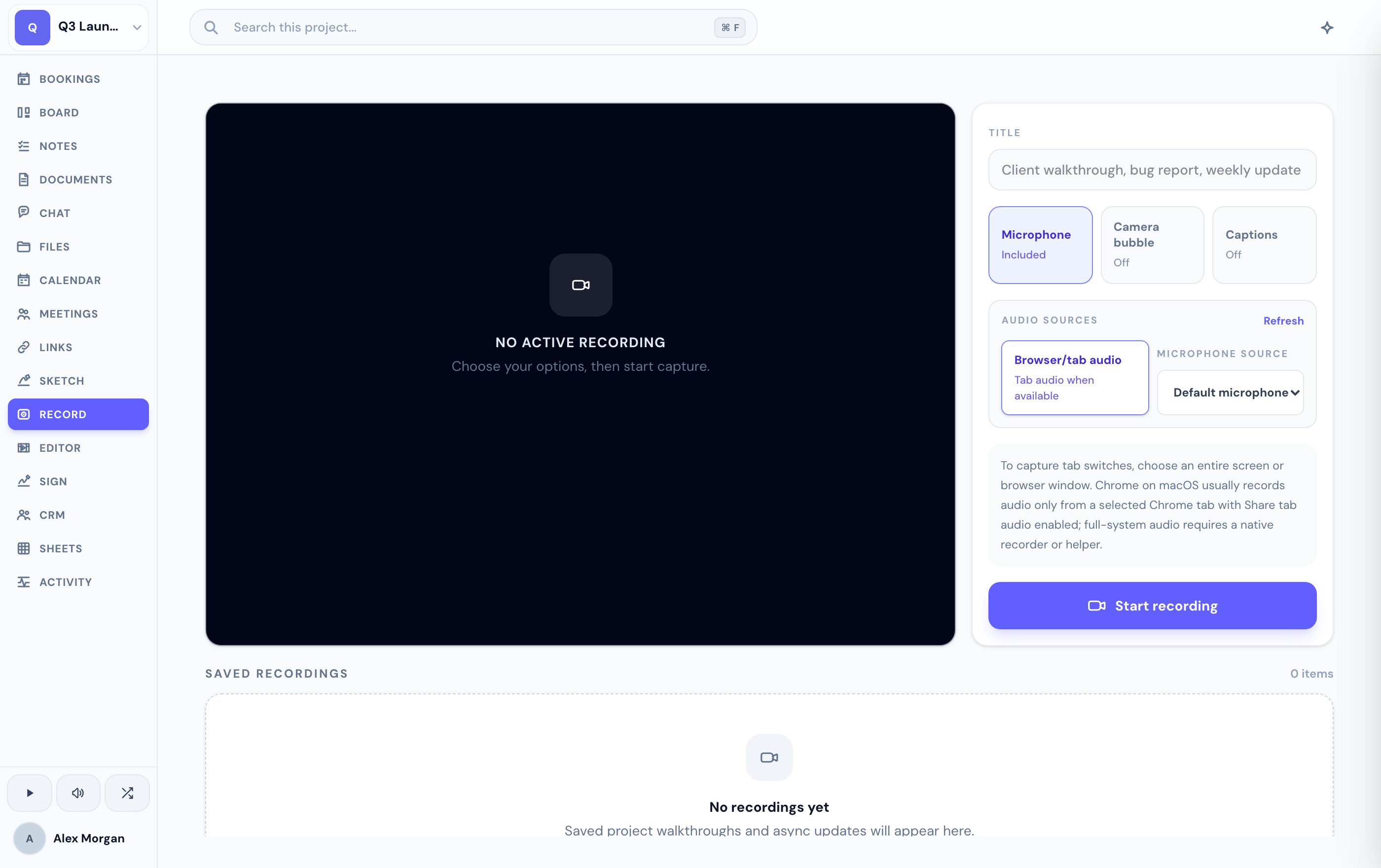
Record a walkthrough
In the Recordings tab, start a screen or camera recording.
Choose your camera shape and size and pick which microphone to use before you record.
Stop recording and it's stored with the project, showing its duration and size.
Manage and share
Once a recording is saved, you can play it back, rename it, download it, or delete it. To share, publish it as an unlisted, read-only link — anyone with the link can watch, without access to the rest of the workspace.
Need to trim the start, add a caption, or reposition the camera? Open the recording in the built-in video editor.
Related
Was this helpful?