
Set up your booking page
Share a public page so people can book time with you on your terms.
Bookings gives you a public page where people can pick a time to meet you. You control whether it's visible, what it says about you, and which hours you're open.
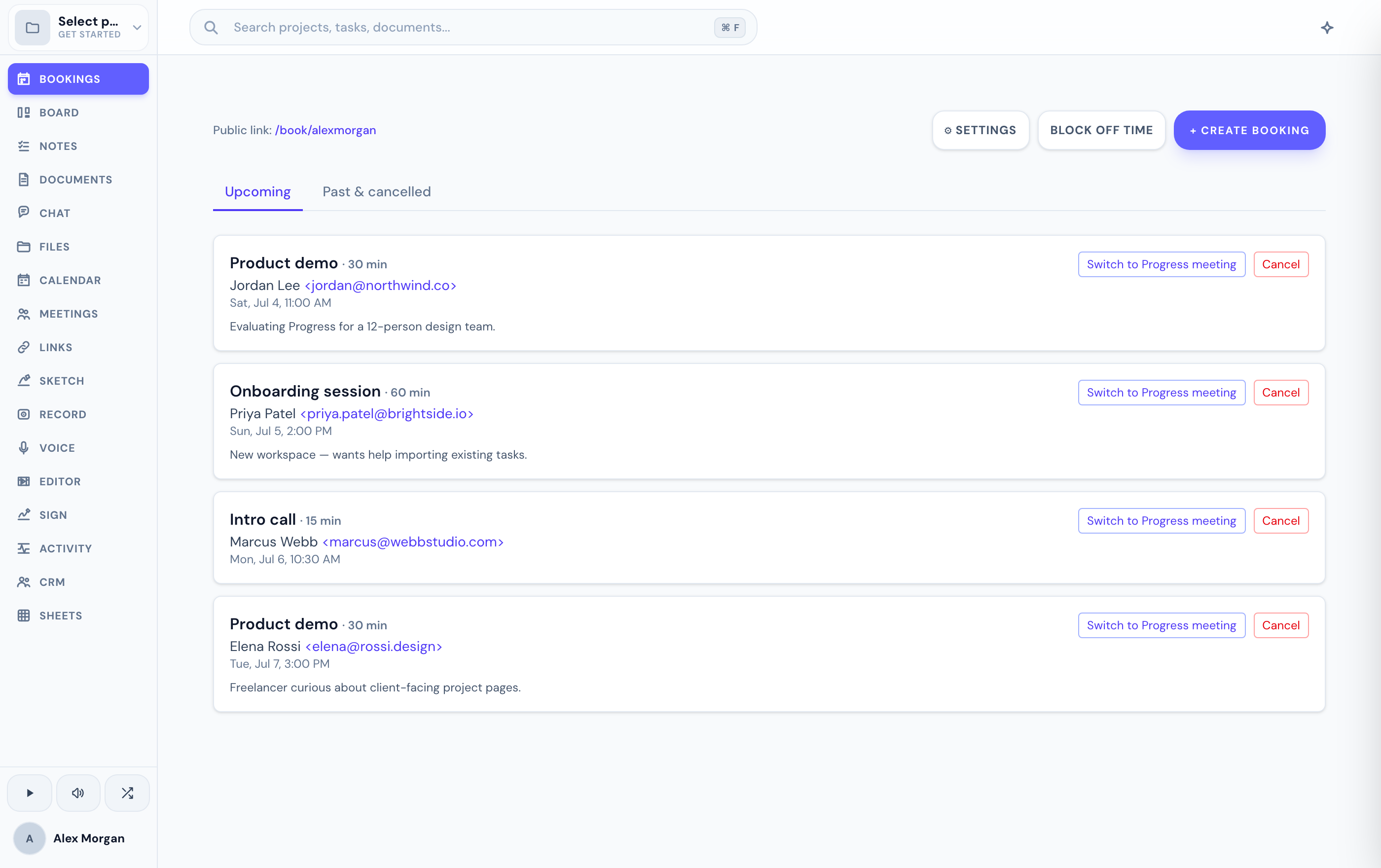
Configure your page
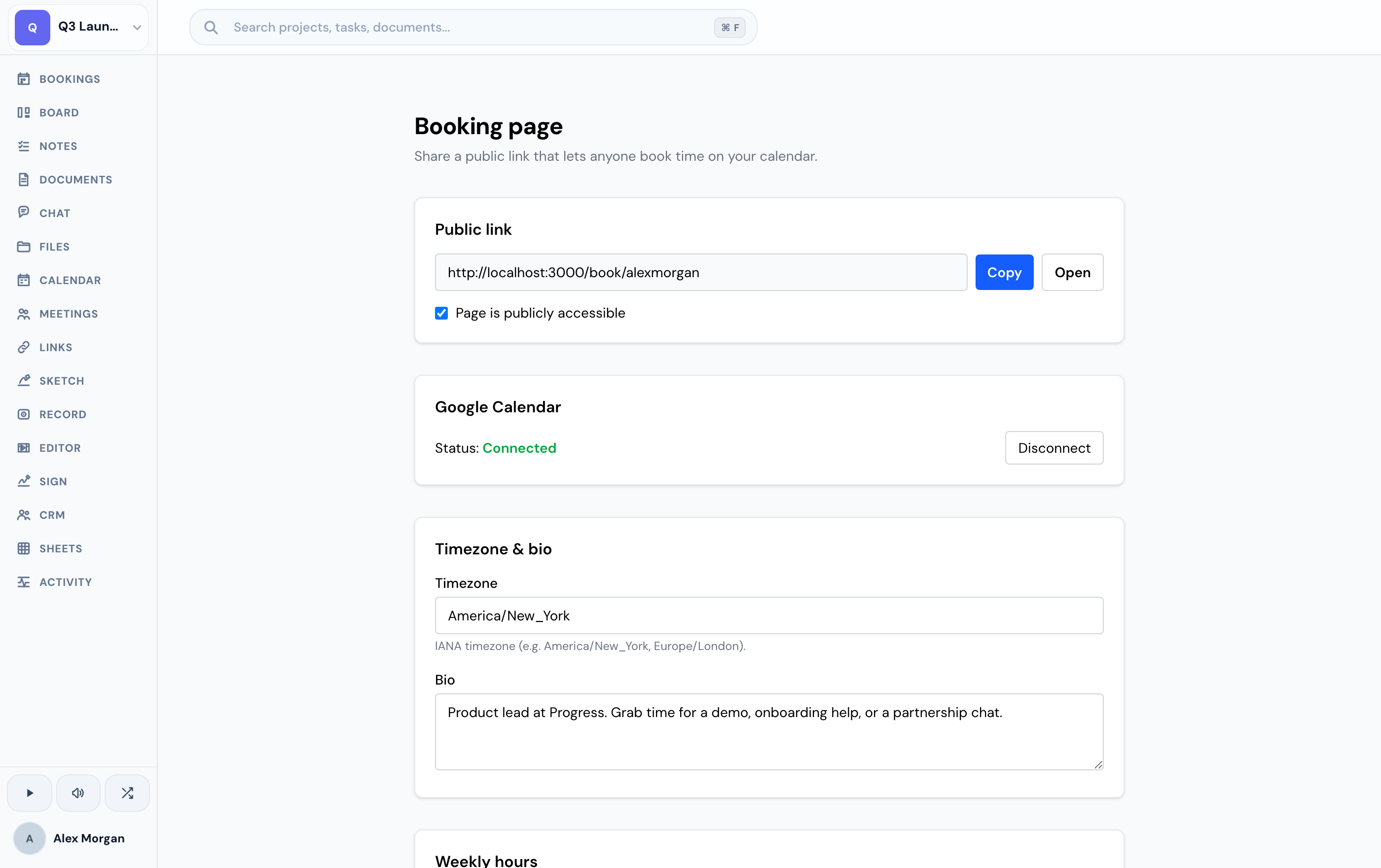
Head to your booking settings to set up your page.
Choose whether your booking page is public — visible to anyone with the link — or private.
Write a short bio and set your timezone so times display correctly for you and your bookers.
Set your weekly hours
Define a weekly schedule with the time ranges you're available each day. This is the frame your booking page works within — people can only pick slots inside the hours you set.
Your weekly schedule sets the general shape of your availability. To keep from being double-booked, Progress also checks your real Google Calendar — see availability and time off.
Related
Was this helpful?