
Meet Scout
A project-aware AI assistant that answers from your project and can take actions.
Scout is the AI assistant built into Progress. It's project-aware — it draws on the project's own notes, files, cards, and activity, so it answers like someone already on the team rather than a generic chatbot you have to brief every time.
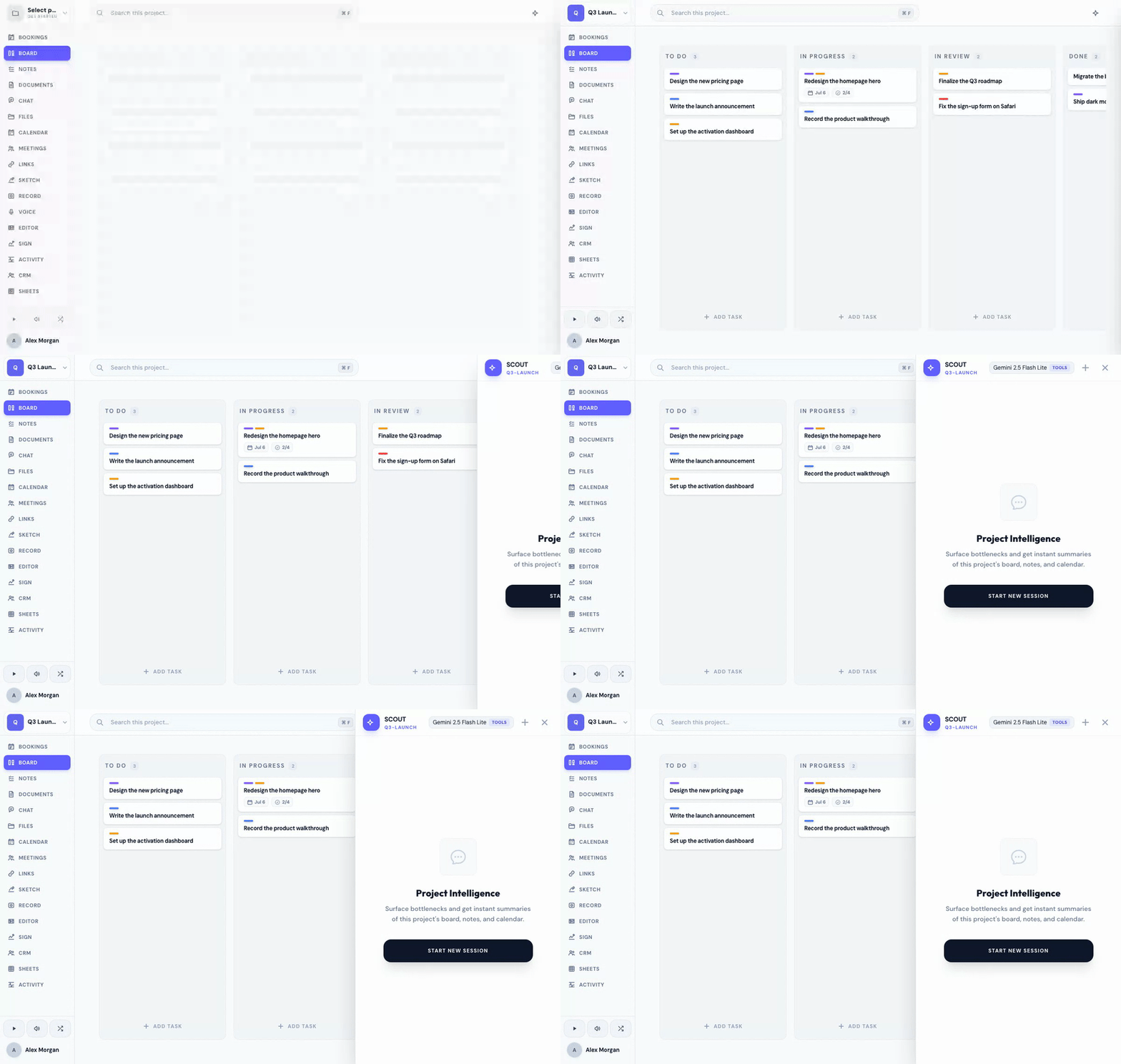
Open Scout
Press ⌘ K (or Ctrl K on Windows) to toggle the Scout sidebar from anywhere in the app. Type your message and Scout responds in context.
What Scout does
Scout works in two modes at once:
- Answers questions grounded in the project you're in — see asking Scout about your project.
- Takes actions on your behalf, like creating a card or a document — see having Scout do things.
Scout is scoped to whichever project you're working in — it resolves the project from where you are, so its context is always the right one.
You can also reach Scout by voice, both in the sidebar and through Siri — see talking to Scout and Siri.
Related
Was this helpful?