
| Progress | Zoom | |
|---|---|---|
| Video meetings | Yes — built-in, no time limit | Yes — 40-min cap on free group calls; 30 hrs on Pro |
| Guest join experience | Join by link in the browser, no account or app | Browser join supported, but the flow steers guests toward installing the app |
| AI meeting notes | Included — transcript, summary, action items emailed to attendees | AI Companion on paid plans only ($13.33+/user/mo) |
| Recording & recall | AI transcript + notes saved to the project; Loom-style screen recordings included | Paid plans only; Pro includes 5 GB per user |
| Large calls & webinars | Built for client-sized meetings, not events | Stronger — up to 100 free, 300 on Business, webinar products beyond that |
| Booking pages | Included — Calendly-style public link | Zoom Scheduler is a separate ~$5.99/user/mo add-on |
| The project around the meeting | Board, docs, chat, files, e-sign, CRM in one workspace | No — meetings platform only; you still need a PM stack |
What Zoom does well
Zoom is the most battle-tested video platform in the world, and it shows. Call quality holds up on bad hotel Wi-Fi, everyone's grandmother knows how to join one, and it scales from a 1:1 check-in to a 300-person meeting without breaking a sweat — and its separate webinar products go far beyond that. The paid tiers add serious depth — AI Companion summaries, smart recording highlights, SSO and admin controls for larger orgs. If your business is running large events or high-volume calls all day, Zoom is a dedicated communications platform and Progress doesn't pretend to match that ceiling.
The Progress angle: the meeting inside the project
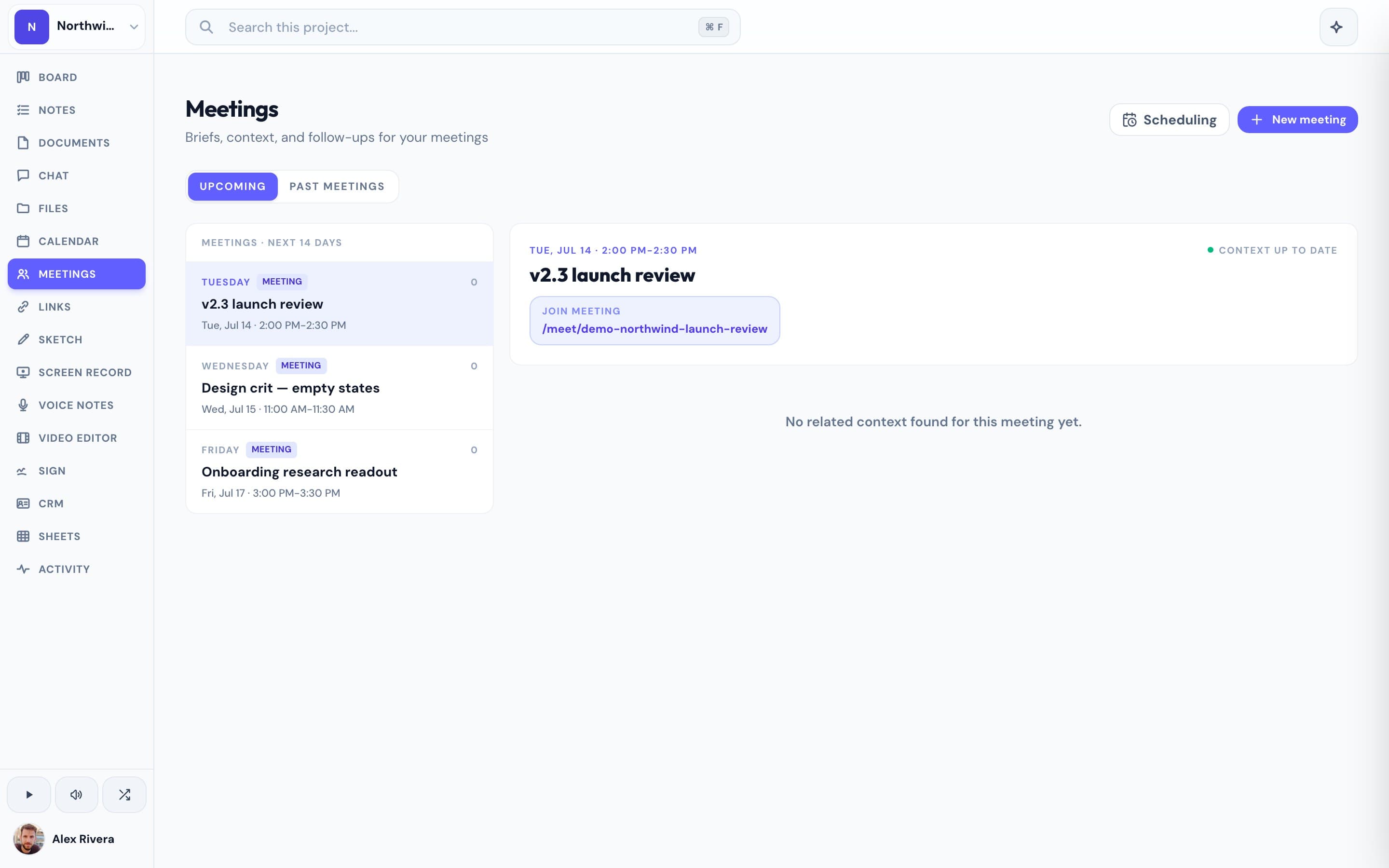
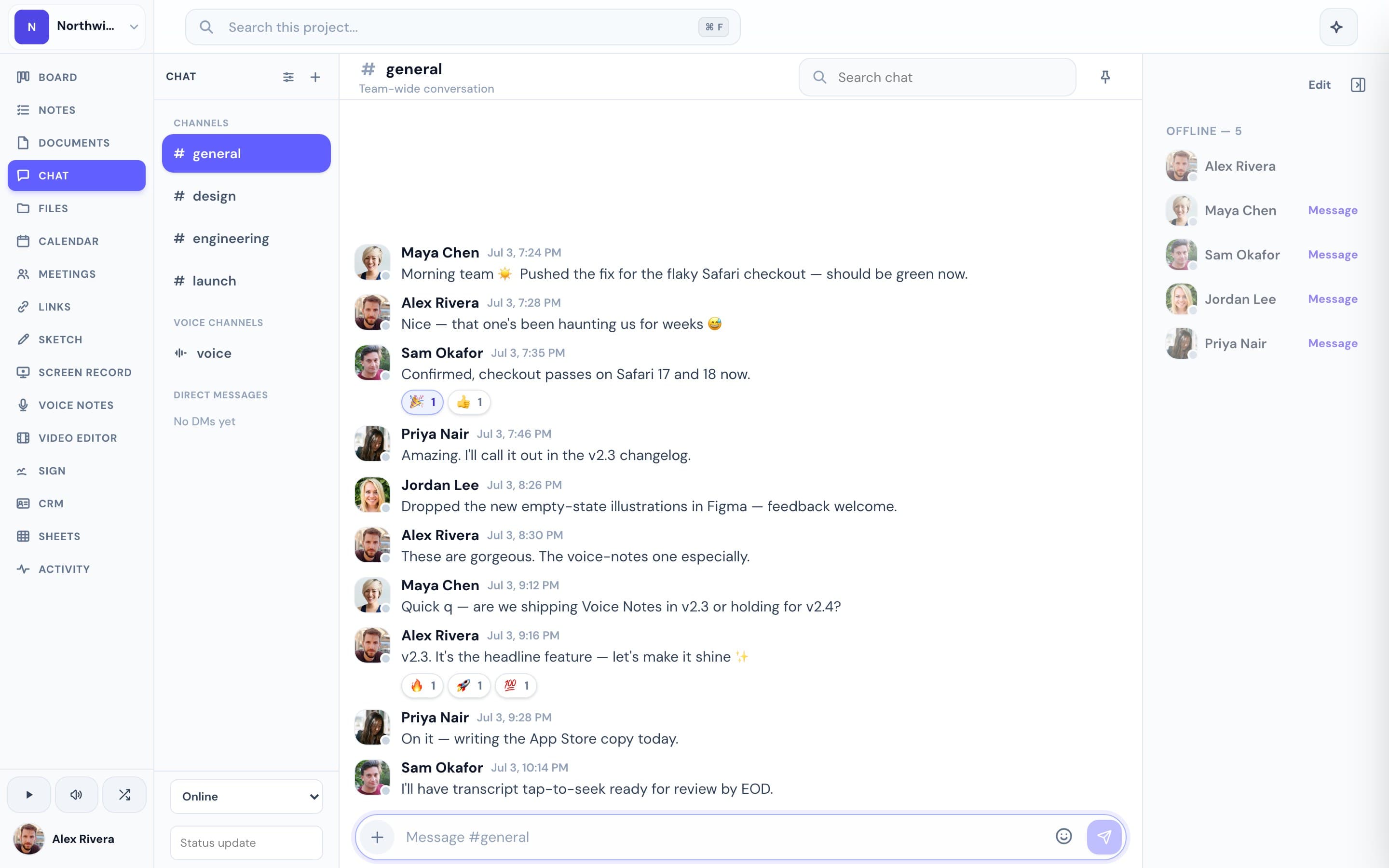
Progress isn't a meetings company — it's a project workspace that happens to include genuinely good meetings. Clients join by link with no account and no app download, wait in a lobby until you admit them, and when the call ends the AI notes — transcript, summary, action items — are emailed to attendees and saved in the project, right next to the board, the docs, the chat thread, and the files you discussed. No 40-minute timer, no per-seat upgrade to unlock AI summaries, and booking pages (which Zoom sells as a separate Scheduler add-on) are built in. The meeting stops being an island; it becomes part of the record of the work. All of it is free during the open beta.
This is the real thing
Actual screenshots from a live Progress workspace — not mockups. Every project ships with all of it.

Looking for a Zoom alternative?
If you love how reliably Zoom handles the call itself but you're tired of the 40-minute timer, paying per seat for AI summaries, or copying action items out of one tool into three others, Progress is worth a look. You keep the parts that matter for client work — one-click browser join for guests, lobby admission, recordings, AI notes — and gain the workspace around them: the kanban board where those action items land, the docs and files you screen-shared, the chat thread where follow-ups happen, even e-signatures and booking pages. To be fair about the trade: if you run 300-person webinars or need enterprise admin controls, stay on Zoom — it's the better dedicated meetings platform. But if your meetings are with clients about projects, Progress puts the meeting where the project already lives, and it's completely free during the open beta.
Focused guides
More meetings comparisons