
| Progress | FigJam | |
|---|---|---|
| Whiteboard / sketching canvas | Yes — Excalidraw-based sketches in every project | Yes — fast, polished infinite canvas |
| Workshop facilitation (timers, voting, stamps) | No — a working canvas, not a facilitation suite | Yes — best-in-class for design-team rituals |
| Design-file integration | No | Yes — deep, native Figma integration |
| Turn a sketch into tracked work | Yes — kanban board with due dates, labels, and checklists in the same workspace | No — no task tracking; export to another tool |
| Docs, chat, meetings, files around the canvas | Yes — all built into the project | No — whiteboarding only |
| Client-facing extras (e-sign, bookings, public links) | Yes — clients need no account | No |
| Price | Free during open beta | Free plan capped at 3 shared files; paid means a full Figma seat (~$12–16/editor/mo) |
What FigJam does brilliantly
FigJam is the best whiteboard for design teams, full stop. The workshop-facilitation features — built-in timers, voting, music, stamps — make sprint planning and design critiques feel like actual sessions rather than people staring at a shared canvas. The template library is deep, the canvas is quick, and the integration with Figma design files is something no other whiteboard can touch: you can drop real design work onto the board and talk about it in context. If your team lives in Figma and runs regular design rituals, FigJam is purpose-built for you.
Our angle: the sketch is part of the project, not a separate app
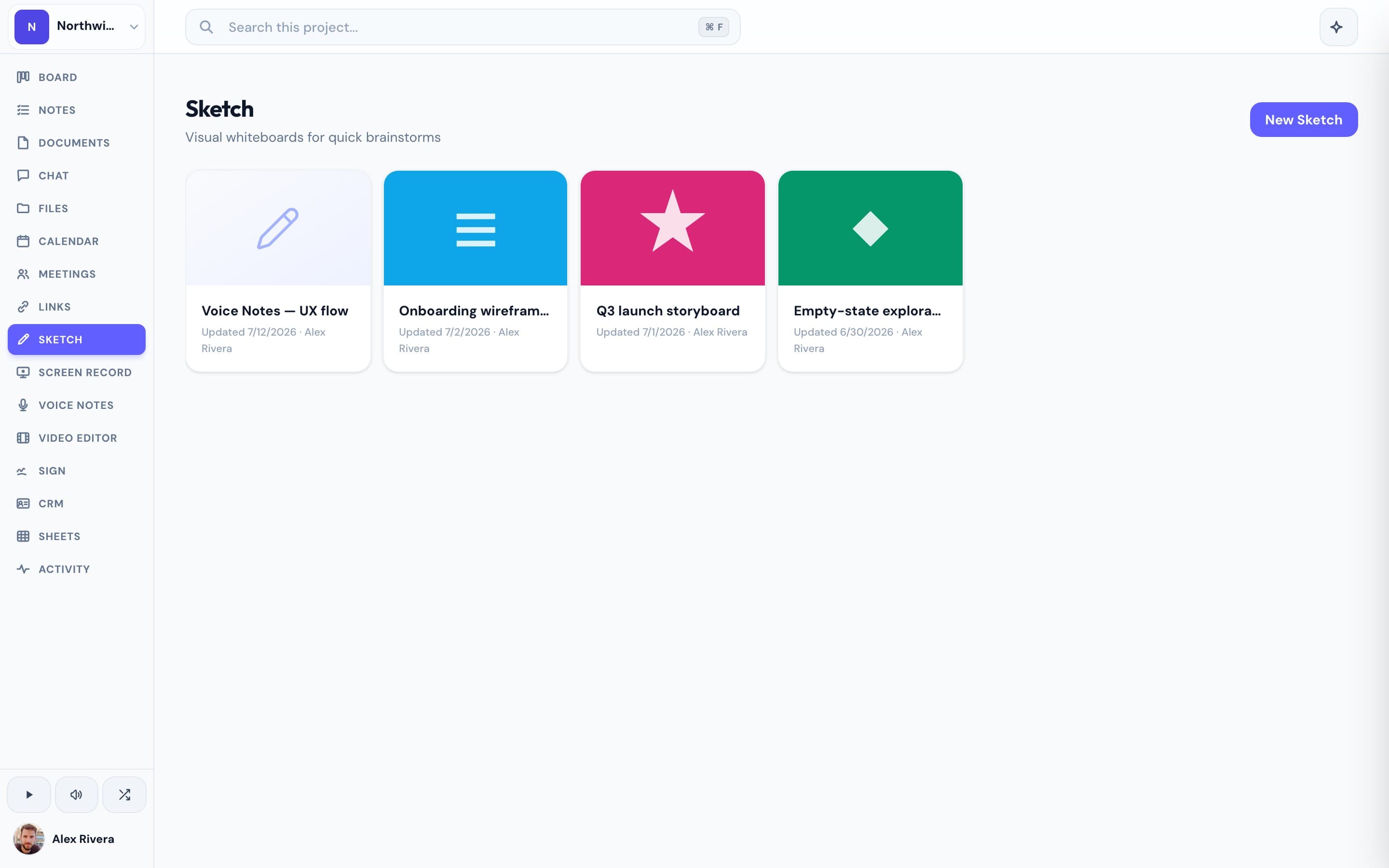
A whiteboard session almost never ends at the whiteboard. Someone has to turn the sticky notes into tasks, write up the decisions, and share the outcome with the client. In FigJam, that means exporting or screenshotting into whichever other tools hold the actual project. In Progress, sketches (powered by Excalidraw) live inside the same workspace as the kanban board, the docs, the team chat, the calendar, and the video meetings — so you can diagram the plan, create the cards, and walk the client through it without leaving the project. We won't pretend our canvas matches FigJam's facilitation toolkit or its Figma integration. But if the whiteboard is one part of your project rather than the center of it, you get the sketching you need plus everything around it — free during our open beta, with no three-file cap and no per-editor seat to buy.
This is the real thing
Actual screenshots from a live Progress workspace — not mockups. Every project ships with all of it.


Looking for a FigJam alternative?
Be honest about what you're leaving. If your work revolves around Figma files and facilitated design sessions, FigJam is the right tool and nothing here replaces its timers, voting, or design-file embeds. Most people hunting for an alternative are hitting something else: the free plan's three-file cap, or the fact that since FigJam folded into Figma's seat model, a "cheap whiteboard" now means buying full Figma seats for people who never open a design file. If that's you — you want a whiteboard for mapping projects and thinking out loud, attached to the board, docs, chat, and meetings where the work actually happens — Progress gives you that in one workspace, free during the open beta, with no file caps and nothing extra for your clients to sign up for.
More whiteboards comparisons