
| Progress | Basecamp | |
|---|---|---|
| Task views | First-class kanban board per project | To-do lists + card table |
| Async video | Native screen recordings | Not built in |
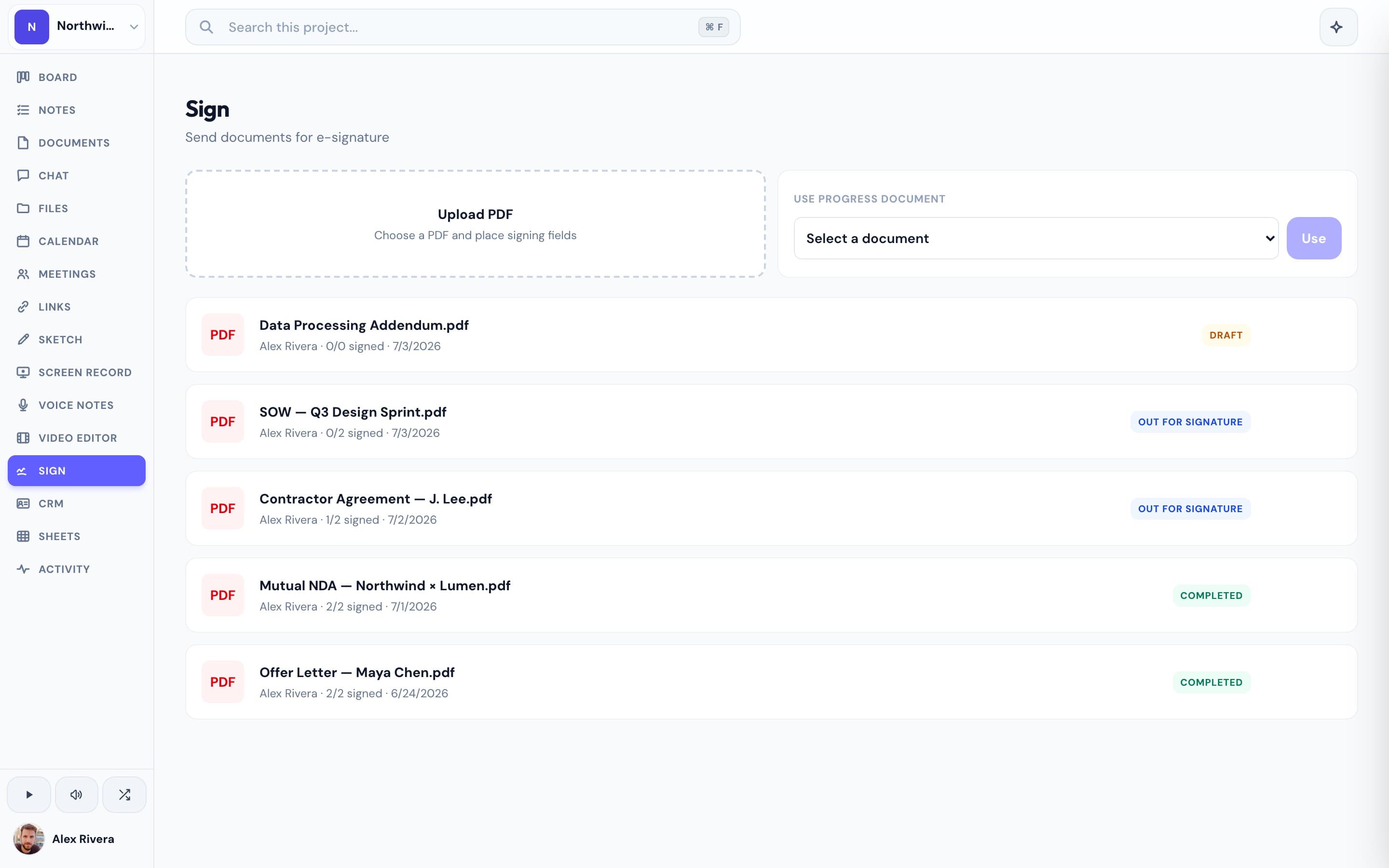
| E-signatures | Built-in | Not offered |
| Whiteboard | Whiteboard sketches per project | Not offered |
| AI | Project-aware assistant | No project-aware assistant |
| Pricing | Free during open beta | Flat per-account fee |
What Basecamp does well
Basecamp is calm, opinionated, and refreshingly simple — to-dos, message boards, docs, and schedules with flat pricing and almost no learning curve. For teams that want minimalism, it's a classic for good reason.
Where Progress is different
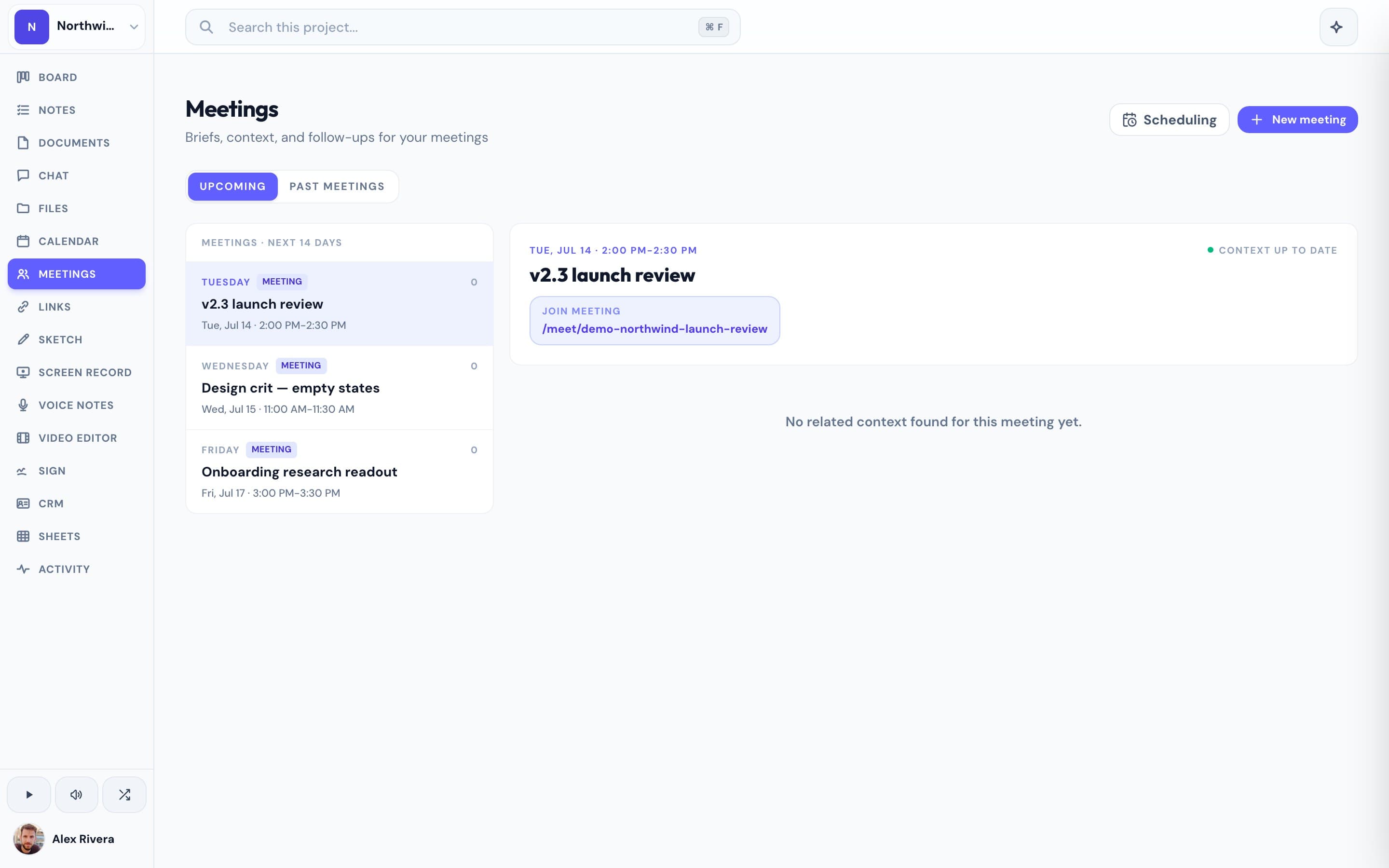
Basecamp keeps things deliberately minimal — there's no real kanban board, no screen recordings, no e-signatures, and no project-aware AI. Progress keeps the all-in-one spirit but adds a first-class board, async video, a whiteboard, signing, and an assistant that reads your project, all in one workspace.
This is the real thing
Actual screenshots from a live Progress workspace — not mockups. Every project ships with all of it.

Looking for a Basecamp alternative?
If you love Basecamp's simplicity but miss a real board, recordings, or AI, Progress is a modern alternative: the same all-in-one calm with the tools today's projects expect, free during open beta.
Focused guides
More project management comparisons