
| Progress | Notion | |
|---|---|---|
| Core model | Opinionated workspace per project | Flexible blocks + databases you assemble |
| Real-time team chat | Built-in channels + DMs | Comments; no real-time channels |
| Scheduling / booking pages | Built-in, Google Calendar-backed | Via separate Notion Calendar / integrations |
| Recordings & e-signatures | Built-in | Via embeds / integrations |
| AI | Project-aware, can take actions | Notion AI (general assistant) |
| Setup | Works immediately | You design the system |
What Notion does well
Notion is an exceptionally flexible canvas. Its blocks and databases let you model almost anything — wikis, CRMs, dashboards — and it has a large template ecosystem and its own AI. If you enjoy designing your own system and want maximum flexibility, Notion is hard to beat.
Where Progress is different
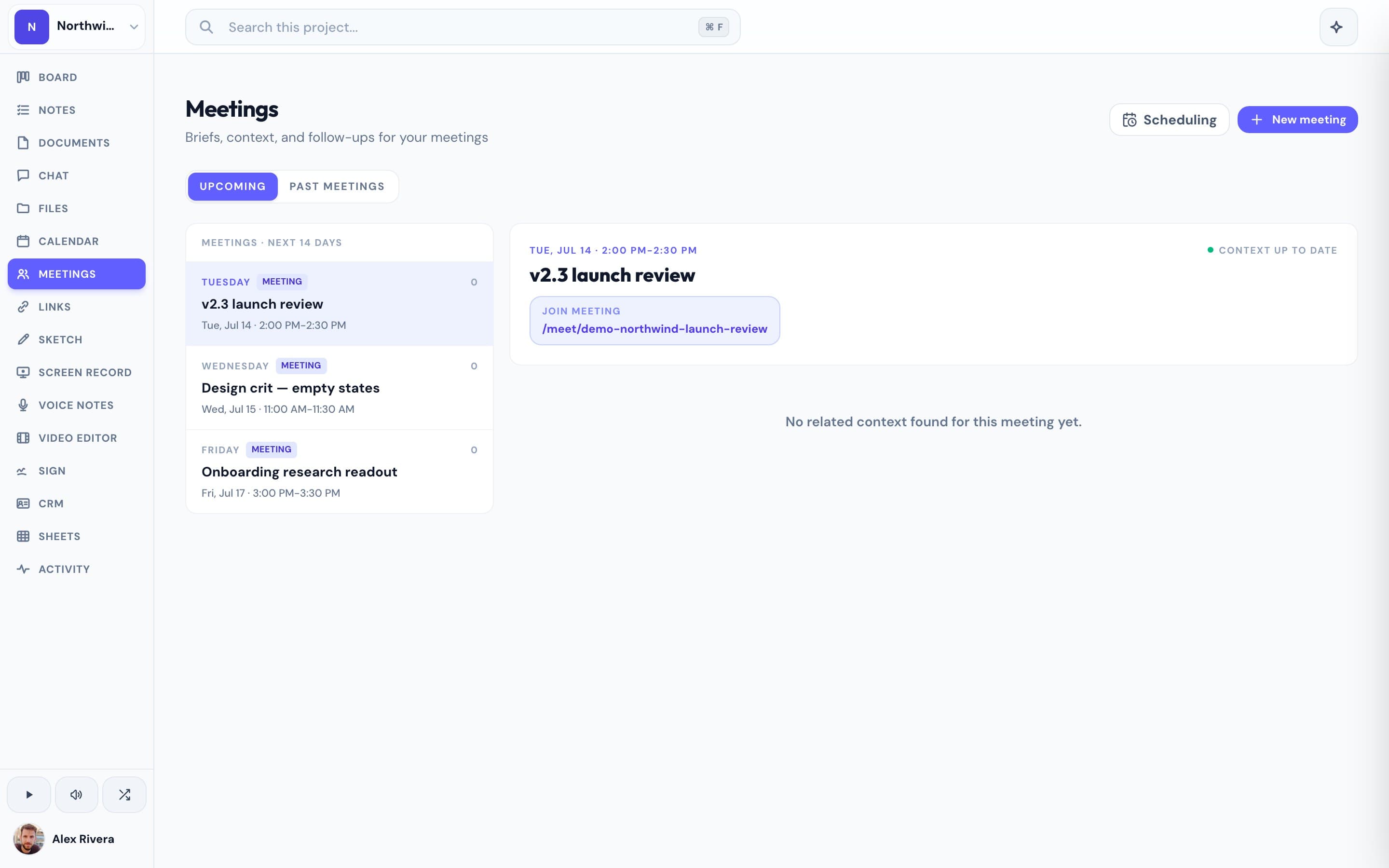
Progress trades blank-canvas flexibility for an opinionated, ready-to-use workspace. Every project comes with a kanban board, notes, a Google-synced calendar, real-time chat, recordings, e-signatures, sketches, and booking pages already in place — plus an AI assistant scoped to that project. There's nothing to assemble: you open a project and everything's there.
This is the real thing
Actual screenshots from a live Progress workspace — not mockups. Every project ships with all of it.


Looking for a Notion alternative?
If you love Notion's flexibility but spend more time building your workspace than using it, Progress is the opposite trade: less configuration, more out-of-the-box. It's a strong Notion alternative for teams who want the project's board, docs, chat, and schedule already connected rather than assembled by hand.
Focused guides
More project management comparisons