
| Progress | Trello | |
|---|---|---|
| Kanban board | Yes — drag-and-drop | Yes — drag-and-drop |
| Docs & notes | Built-in rich notes | Via Power-Ups / external docs |
| Team chat | Built-in channels + DMs | Comments; no chat |
| Calendar | Built-in Google Calendar sync | Calendar Power-Up |
| AI | Project-aware assistant | Limited / via integrations |
What Trello does well
Trello is simple, fast, and approachable — its boards-and-cards model is easy for anyone to pick up, and that focused simplicity is exactly why people love it. For lightweight personal or small-team task tracking, it just works.
Where Progress is different
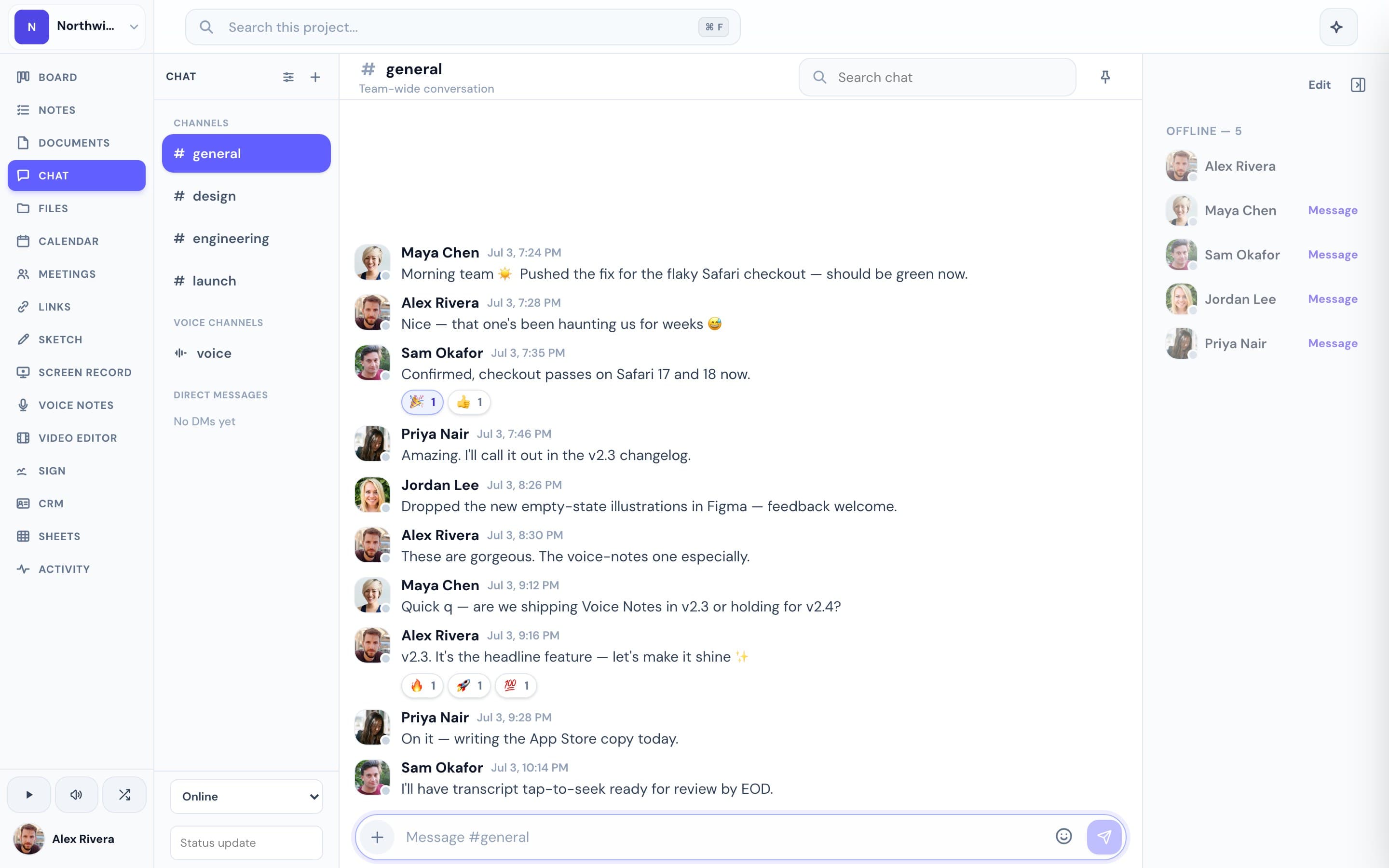
Trello stays deliberately minimal; adding docs, calendar, or chat means stacking on Power-Ups and other apps. Progress keeps the simple board but bundles the rest — notes, real-time chat, a Google-synced calendar, files, recordings, e-signatures, and a project-aware AI — so the work around each card lives right next to it.
This is the real thing
Actual screenshots from a live Progress workspace — not mockups. Every project ships with all of it.


Looking for a Trello alternative?
If you've outgrown Trello and find yourself bolting on Power-Ups and side tools to fill the gaps, Progress is a natural step up: the same easy board, with the project's docs, chat, calendar, and files already part of the same workspace.
Focused guides
More project management comparisons