
| Progress | Microsoft Teams | |
|---|---|---|
| Team chat (channels + DMs) | Yes — channels, DMs, reactions, attachments, webhooks | Yes — channels, DMs, threads, rich app ecosystem |
| Video meetings | Built in — guests join by link, no account, lobby admission | Built in — 60-min / 100-participant cap on the free plan |
| Meeting recordings & AI notes | Included — transcription, summary, action items emailed out | Paid Microsoft 365 plans only |
| Client / external access | No account needed — meetings, e-sign, files, bookings all work by link | Tenant-centric guest access; external users added into your org |
| Microsoft 365 integration | No — Google Calendar is the built-in calendar sync | Best in class — Outlook, SharePoint, OneDrive, Office apps |
| The project around the chat | Board, docs, e-signatures, screen recordings, booking pages, CRM in every workspace | Requires separate Microsoft or third-party products |
| Price | Free during open beta | Free tier with limits; roughly $4–$22 per user/month for full plans |
What Microsoft Teams does well
Teams' superpower is the Microsoft 365 ecosystem. If your company already runs on Outlook, SharePoint, OneDrive, and the Office apps, Teams stitches all of it into one digital workplace: a Word doc opens in the chat, the meeting lands on your Outlook calendar, and files live in SharePoint with enterprise-grade permissions and compliance behind them. At organization scale that integration is unmatched — few tools connect this deeply to the stack large companies already pay for. There's also a real free tier: unlimited chat, and group video calls up to 60 minutes with as many as 100 participants. For an org fully committed to Microsoft, Teams isn't just a good choice — it's the obvious one.
Where Progress comes in
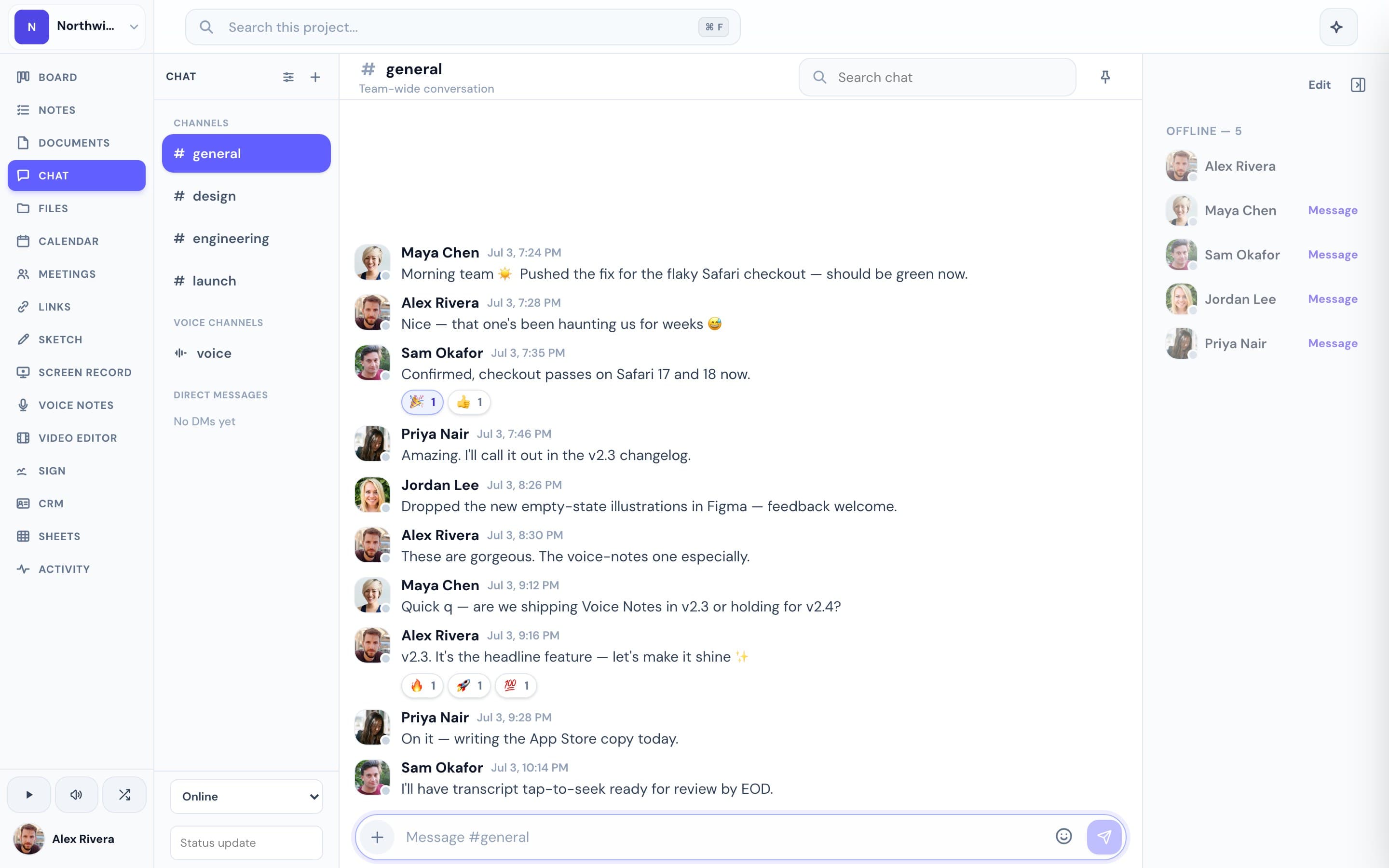
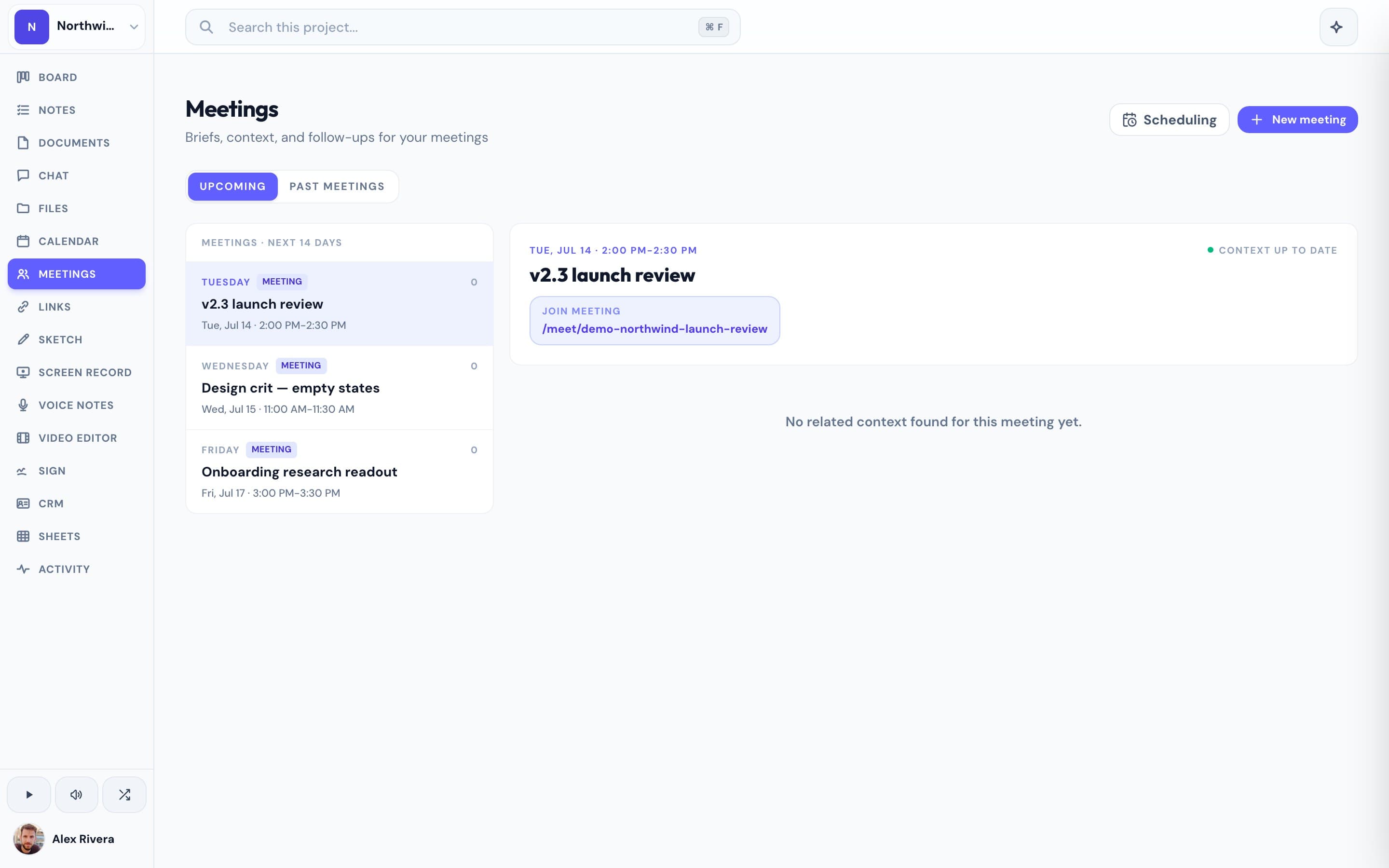
Progress isn't trying to out-Microsoft Microsoft. It takes a different shape entirely: one workspace per project, with team chat built in. You get the parts of Teams a small team actually uses — channels, DMs, reactions, attachments — sitting right next to that project's kanban board, documents, files, calendar, and video meetings, so the conversation and the work are never in separate apps. The differences show up fastest with clients. Teams' guest model is tenant-centric — external people get added into your organization, which is famously clunky for agencies and service teams. In Progress, clients join a meeting by link with no account, sign documents by link with no account, and book time on your calendar with no account. And where Teams reserves meeting recordings and transcription for paid Microsoft 365 plans, Progress includes AI meeting notes — transcription, summary, and action items emailed to attendees — plus screen recordings, e-signatures, and a lightweight CRM in every project, at no cost during the beta. To be clear about what we're not: Progress is not a dedicated enterprise chat platform, and it doesn't integrate with Outlook or SharePoint (Google Calendar is the calendar we sync). It's the whole project, with chat where it belongs — inside it.
This is the real thing
Actual screenshots from a live Progress workspace — not mockups. Every project ships with all of it.

Looking for a Microsoft Teams alternative?
Most people searching for a Teams alternative aren't unhappy with chat — they're unhappy with the weight. Teams is excellent for organizations fully committed to the Microsoft ecosystem, and far less forgiving for everyone else: the free plan caps meetings at 60 minutes, withholds recordings, and stops file sharing once you pass 5 GB per user, while the paid path pulls you into per-user Microsoft 365 licensing from roughly $4 to $22 a month. If you love having chat and meetings in one place but you'd rather they lived inside the project — next to the board, the docs, the e-signatures, and a client experience that never requires an account — Progress is that alternative. One workspace per project, chat included, free during the open beta. If you're a 500-person org standardized on Outlook and SharePoint, stay on Teams; it's built for you. If you're a small team doing client work, try Progress on your next project.
More team chat comparisons