
| Progress | Otter.ai | |
|---|---|---|
| Voice-to-text transcription | Yes — record a voice note, transcript appears automatically | Yes — best-in-class live transcription with speaker ID |
| Ask AI about a recording | Yes — question any voice note's transcript, no caps during beta | Yes — 20 AI chat queries total on the free plan |
| Bot that auto-joins Zoom / Meet / Teams | No — transcription covers voice notes and Progress's built-in meetings | Yes — Otter's flagship feature, and it's excellent |
| AI meeting summaries + action items | Yes — built-in meetings get notes and action items emailed to attendees | Yes — summaries with action items after each call |
| Free-plan limits | None during open beta | 300 min/month, 30 min per conversation, 3 file imports lifetime |
| The project around the transcript | Kanban board, docs, chat, files, e-signatures, bookings — one workspace | No — transcription only; teams pair it with a separate PM stack |
| Price | Free during open beta | Pro $8.33/user/mo annual ($16.99 monthly); Business $19.99/user/mo annual |
What Otter.ai does brilliantly
Otter is the reference point for meeting transcription, and it earned that. Its bot auto-joins Zoom, Google Meet, and Microsoft Teams calls with no effort from you, produces a live transcript the whole team can follow in real time, identifies who said what, and generates AI summaries with action items after the call. If your week is wall-to-wall external meetings across every video platform, Otter's coverage is genuinely hard to beat — nothing in this comparison changes that. It's a mature, focused product that does one job at a very high level.
Our angle: the transcript is part of the project
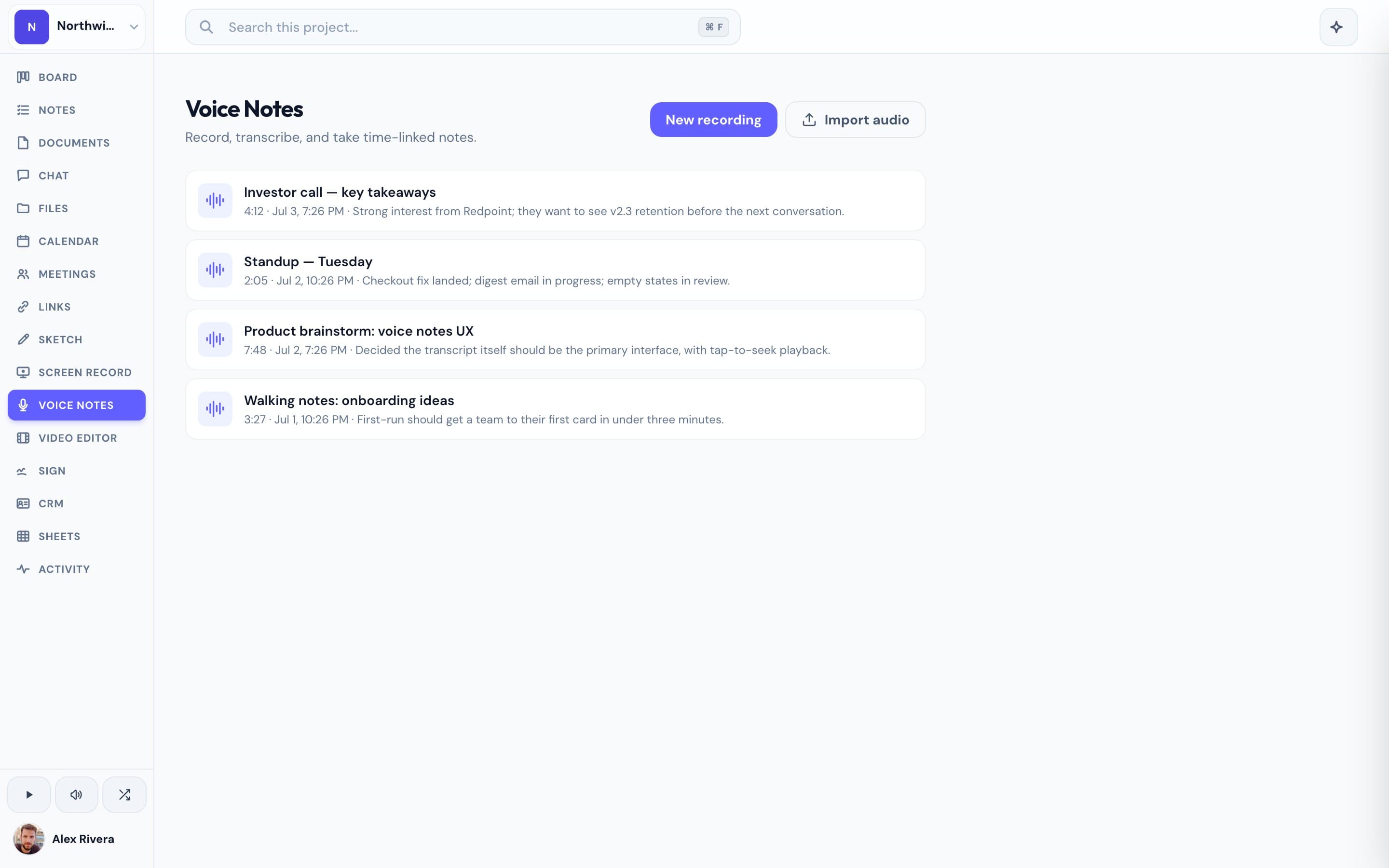
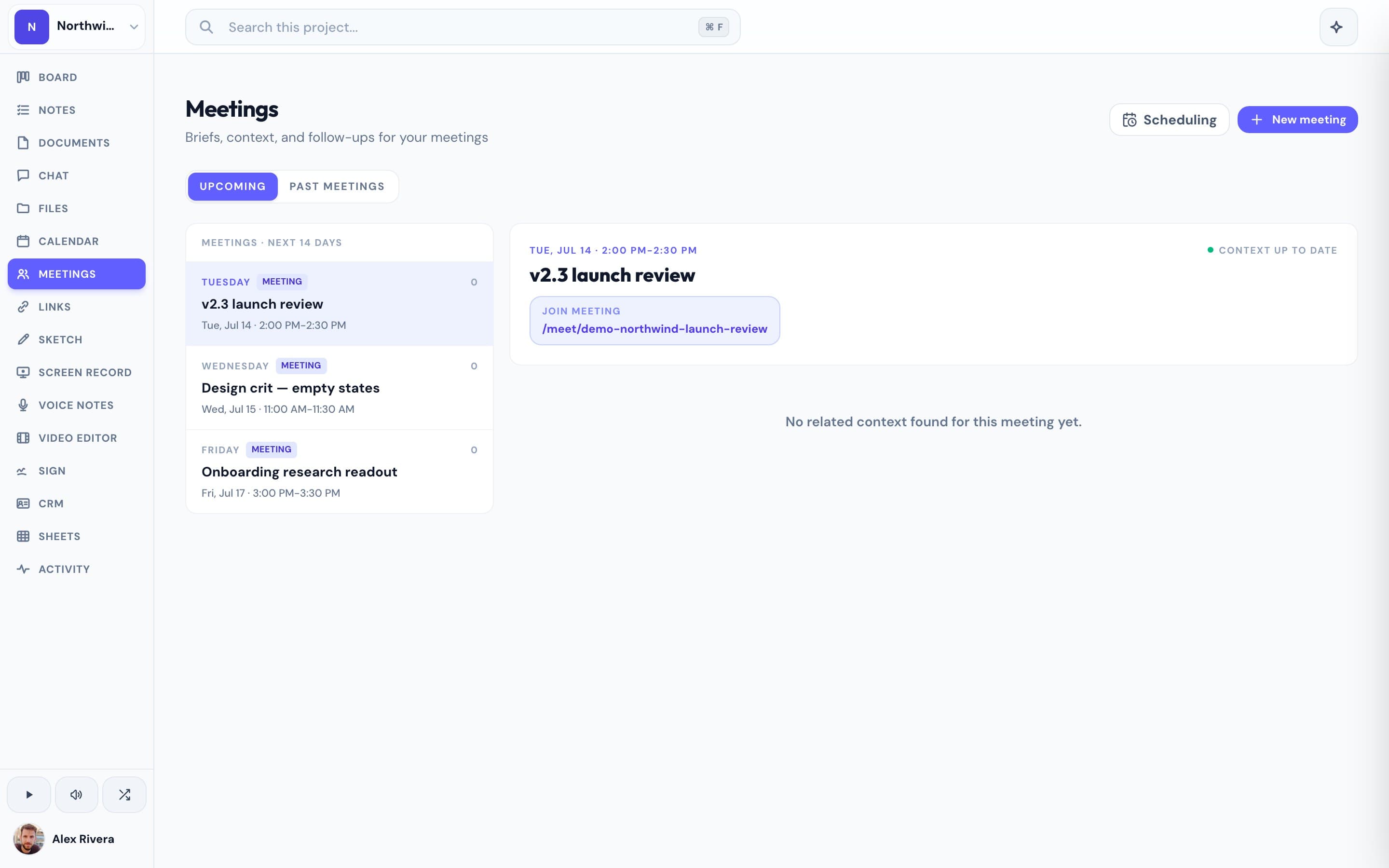
A transcript is rarely the end product — it's raw material for the project it came from. In Progress, voice notes are built in: record your thinking after a client call or on the walk back from a site visit, get an automatic transcript, then ask AI questions about what was said. Built-in video meetings get the same treatment — transcription, an AI summary, and action items emailed to attendees, including clients who joined by link with no account. And because it all lives in the project workspace, the transcript sits beside the kanban board where its action items become cards, the docs it informs, and the chat where you discuss it. Otter gives you excellent transcripts in a separate app with metered free limits — 300 minutes a month, three lifetime file imports, 20 AI queries. Progress gives you transcription woven into the place the work actually happens, with no caps during the open beta. We won't pretend to match Otter's cross-platform meeting bot; if you mostly need to capture and act on spoken words inside your own projects, you may not need it.
This is the real thing
Actual screenshots from a live Progress workspace — not mockups. Every project ships with all of it.

Looking for an Otter.ai alternative?
Most people searching for an Otter alternative hit one of two walls: the free plan's limits (300 minutes a month, a lifetime cap of three file uploads, 20 AI queries) or the jump to $16.99 a month for a tool that only does transcription. If Otter is one line item in a stack that also includes a board tool, a docs tool, chat, and a scheduler, it's worth asking what you're paying for the stack overall. Progress isn't a dedicated transcription platform — you won't get a bot that follows you into other people's Zoom calls. But if what you actually need is to record voice notes, get transcripts, ask AI about them, and run meetings with AI notes — all inside the workspace where the project lives — Progress does that today, free during the open beta. If you love Otter's transcription but need the project around it, that's exactly the gap Progress was built for.
More voice notes comparisons