
| Progress | ClickUp | |
|---|---|---|
| Philosophy | Opinionated, low-setup | Highly configurable |
| Scope | One workspace per project | Workspace + spaces + folders + lists |
| Native apps | Native desktop + iOS, voice dictation | Apps available |
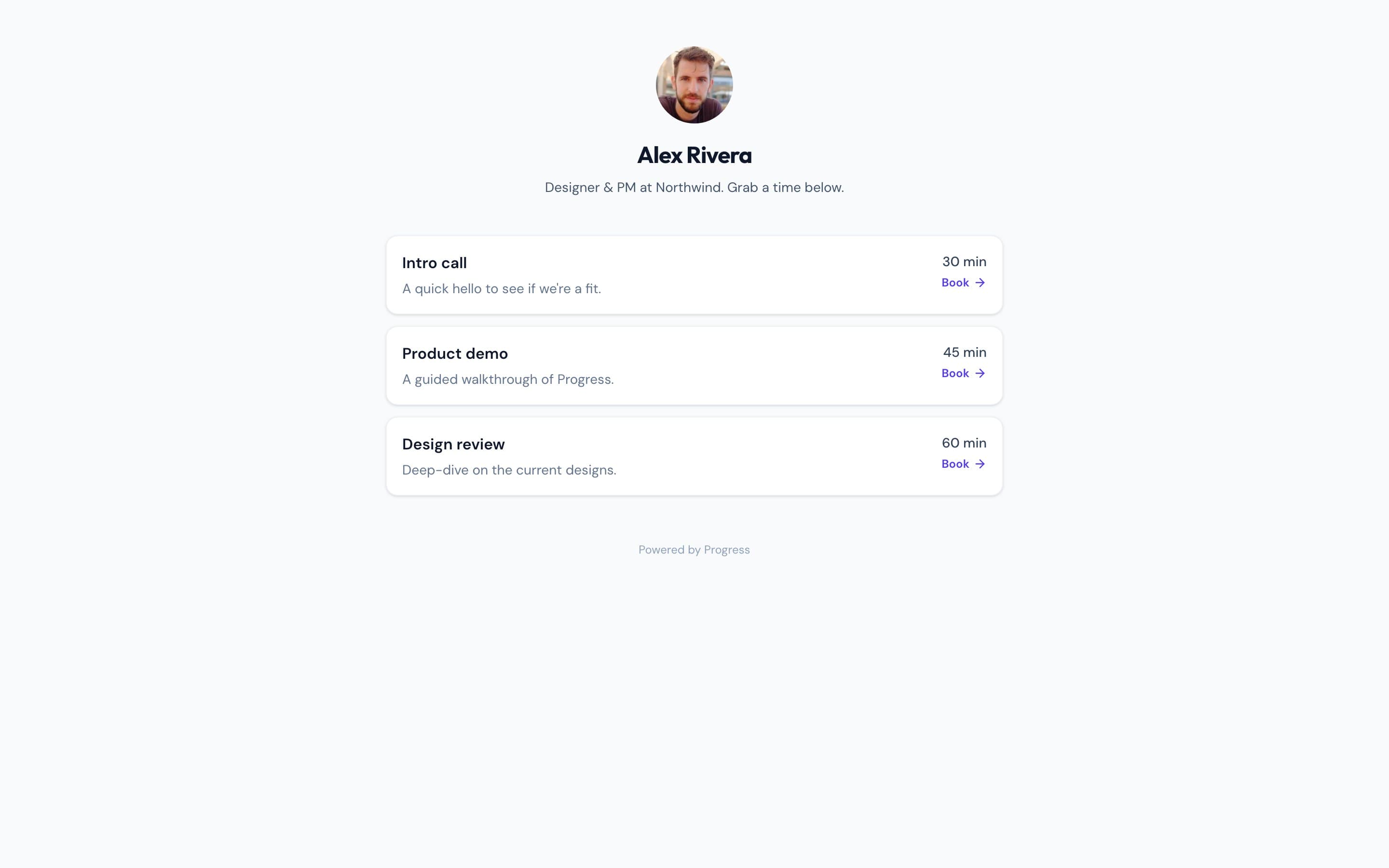
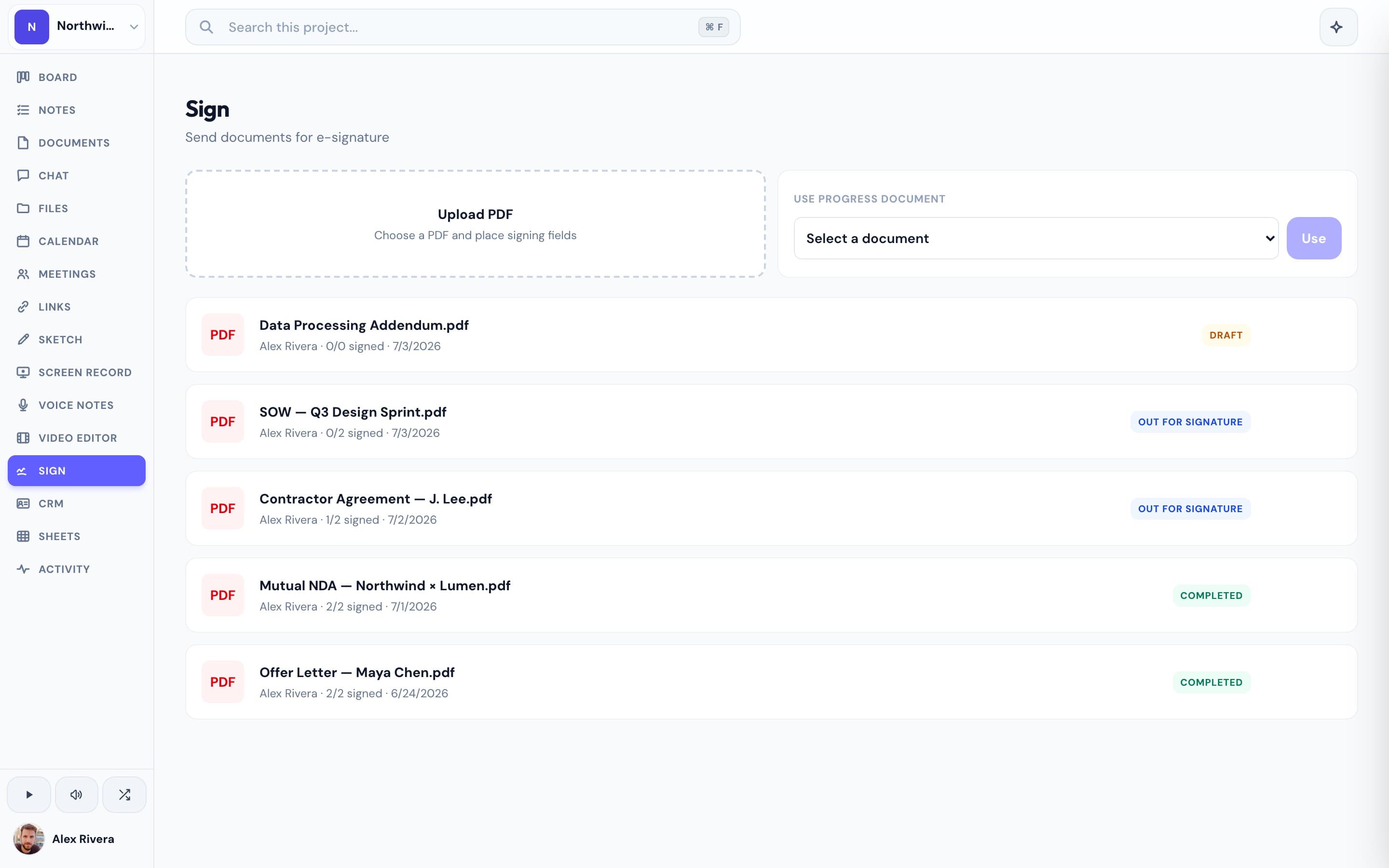
| Bookings & e-signatures | Built-in | Via integrations |
| AI | Project-aware, can take actions | ClickUp AI add-on |
What ClickUp does well
ClickUp is remarkably feature-dense and customizable. It offers many views (list, board, Gantt, calendar), docs, goals, automations, and granular permissions, so teams that want to configure everything to their exact process have a lot to work with.
Where Progress is different
That breadth comes with setup and decision overhead. Progress takes the opposite stance: a curated set of tools per project, sensible defaults, and a clean native experience on desktop and iOS — including built-in voice dictation. You spend time on the work, not on configuration.
This is the real thing
Actual screenshots from a live Progress workspace — not mockups. Every project ships with all of it.

Looking for a ClickUp alternative?
If ClickUp's flexibility has turned into setup fatigue, Progress is a simpler alternative: an opinionated workspace per project that's ready the moment you open it, with the tools already connected.
Focused guides
More project management comparisons