
| Progress | Loom | |
|---|---|---|
| Screen + camera recording | Yes — record screen or camera | Yes — record screen or camera |
| Instant public share link | Yes — public link, no viewer account needed | Yes — Loom's signature workflow |
| Viewer experience | Clean playback page | Stronger — reactions, comments, engagement insights |
| Recording limits on the free plan | No video count or length caps during beta | 25 videos per person, 5-minute cap, 720p |
| AI transcription & summaries (meetings + voice notes) | Included — free during beta | Video AI requires the Business + AI tier (~$20–24/user/mo) |
| The project around the recording (board, docs, chat, meetings, e-sign) | Yes — recordings live inside the workspace | No — video only; everything else is another tool |
| Price | Free during open beta | Limited free plan; ~$15–24/user/mo paid, with recent price increases |
What Loom does brilliantly
Loom made "record it and send a link" a reflex. The capture flow is instant, the share link just works, and the viewer experience is the most polished in the category — reactions, comments, and engagement insights that tell you whether anyone actually watched. On the AI tier you get automatic titles, summaries, and chapters, and since the Atlassian acquisition the Jira and Confluence integrations have gotten genuinely deep. If your team lives in the Atlassian ecosystem and sends a lot of standalone video, Loom is a mature, first-class tool.
Our angle: the recording, plus the project it belongs to
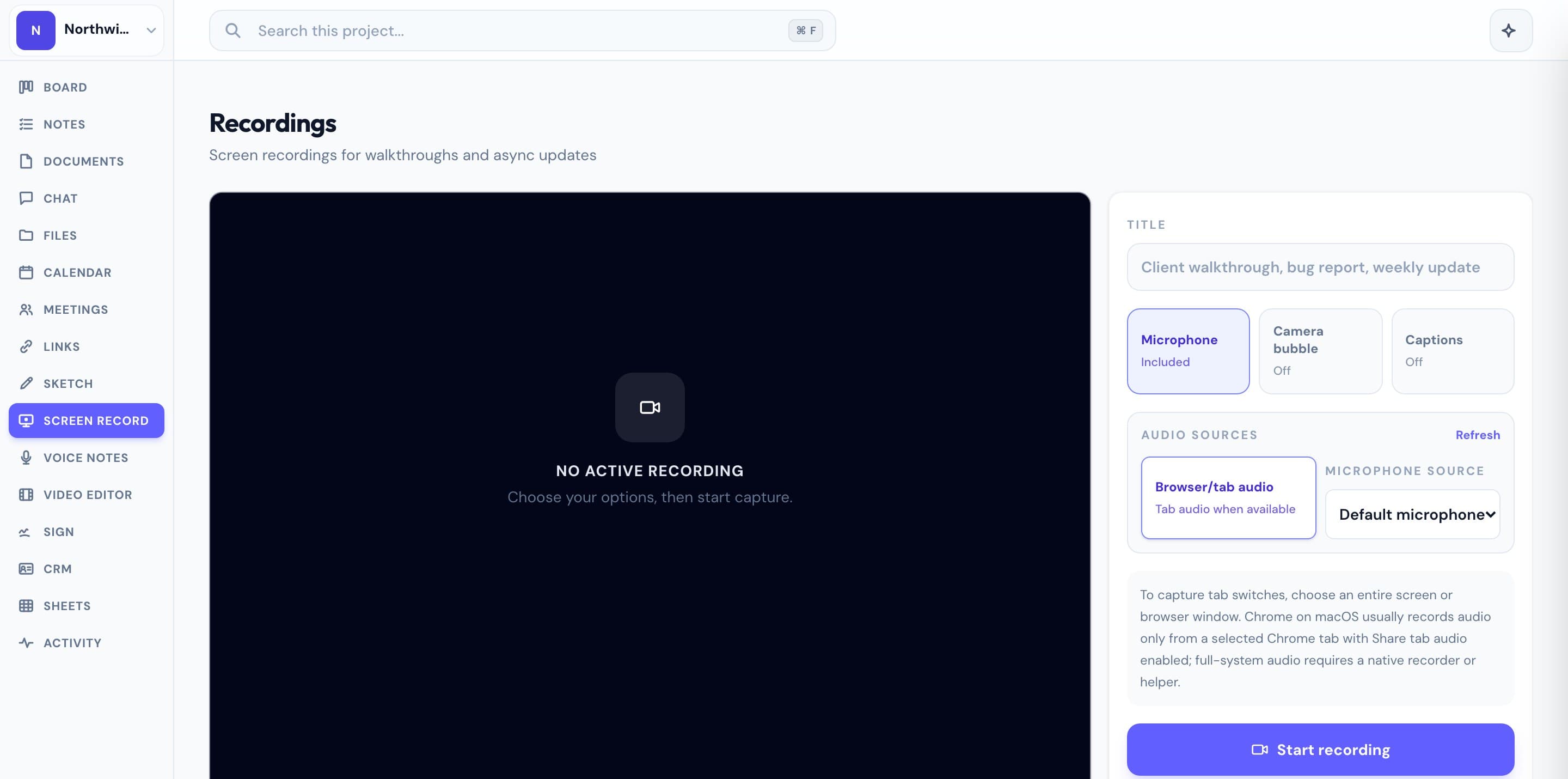
Progress isn't a dedicated video platform, and we won't pretend to be — Loom's viewer bells and whistles are ahead of ours. What Progress does differently is context. You record your screen or camera and share it with a public link, Loom-style, and your client watches without an account. But the recording sits inside the same workspace as the kanban board it refers to, the doc it walks through, the chat thread where the client replies, the meeting where you discussed it, and the contract they e-signed. No 25-video ceiling and no 5-minute cap — and AI transcription comes free with meetings and voice notes, no separate AI tier. No second subscription, because it's one of the tools already in the workspace. Everything is free during the open beta.
This is the real thing
Actual screenshots from a live Progress workspace — not mockups. Every project ships with all of it.


Looking for a Loom alternative?
Most people searching for a Loom alternative fall into one of two camps. Some keep hitting the free plan's walls — 25 videos, 5 minutes, 720p — and end up deleting old recordings to make room for new ones. Others are watching the pricing drift upward since the Atlassian acquisition, with AI features locked behind the most expensive tier and a roadmap that increasingly assumes you run Jira and Confluence. If you're an agency, freelancer, or small team doing client work, there's a third question worth asking: why is your video tool separate from your project at all? Progress gives you Loom-style screen recordings with public share links and AI transcription, built into the workspace that already holds your board, docs, chat, meetings, bookings, and e-signatures. If you love Loom's record-and-send workflow but need it attached to actual client projects — without another per-seat subscription — Progress is worth a look. It's completely free during the open beta.
More screen recording comparisons