
| Progress | Vidyard | |
|---|---|---|
| Screen + camera recording | Yes — record screen, camera, or both | Yes — screen, camera, or both |
| Share with a public link, no viewer account | Yes | Yes |
| Viewer analytics, CTAs & lead capture | No — recordings are for communicating, not prospecting | Yes — Vidyard is stronger here; analytics, CTAs, lead forms, CRM sync (paid tiers) |
| Free plan limits | Free during open beta | ~25 videos, 30-min max; CTAs and integrations paywalled |
| Recordings live inside the project | Yes — next to the board, docs, chat, and files for that project | No — standalone video library |
| The rest of the project (board, docs, chat, meetings, e-sign) | Yes — one workspace per project | No — video platform only |
| Price as the team grows | Free during beta; beta users hear about pricing first | From ~$19/mo solo; team plans reported around $59–99/user/mo |
What Vidyard does well
Vidyard is arguably the best screen recorder for sales teams, and it earns that reputation. Prospecting videos, per-viewer analytics, in-video calls-to-action, lead capture forms, and deep CRM integrations make it a genuine pipeline tool, not just a recorder. If your videos exist to book meetings and move deals, Vidyard treats them like the revenue asset they are — and it's consistently ranked the top Loom alternative for exactly that use case.
Where Progress comes in
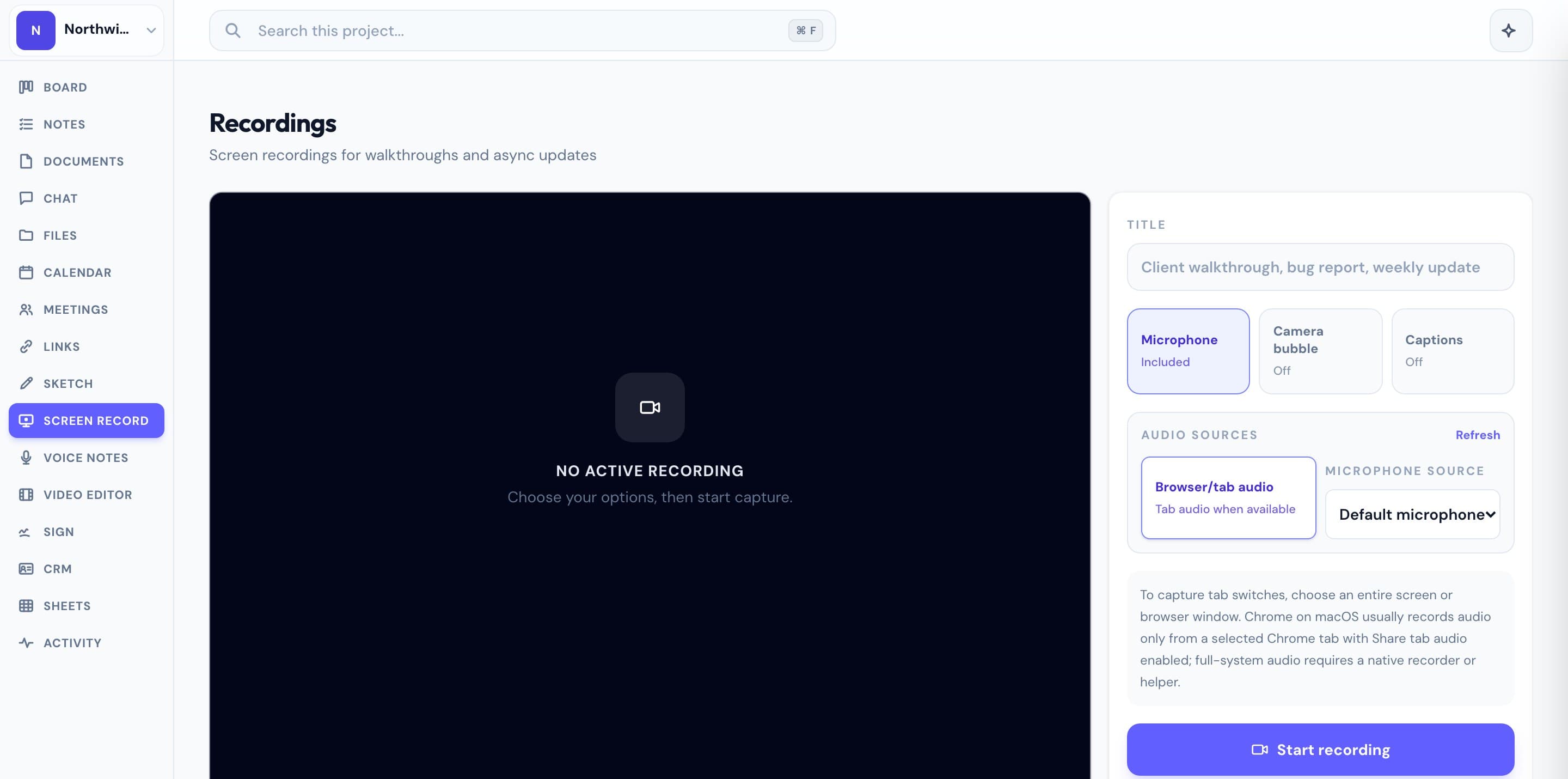
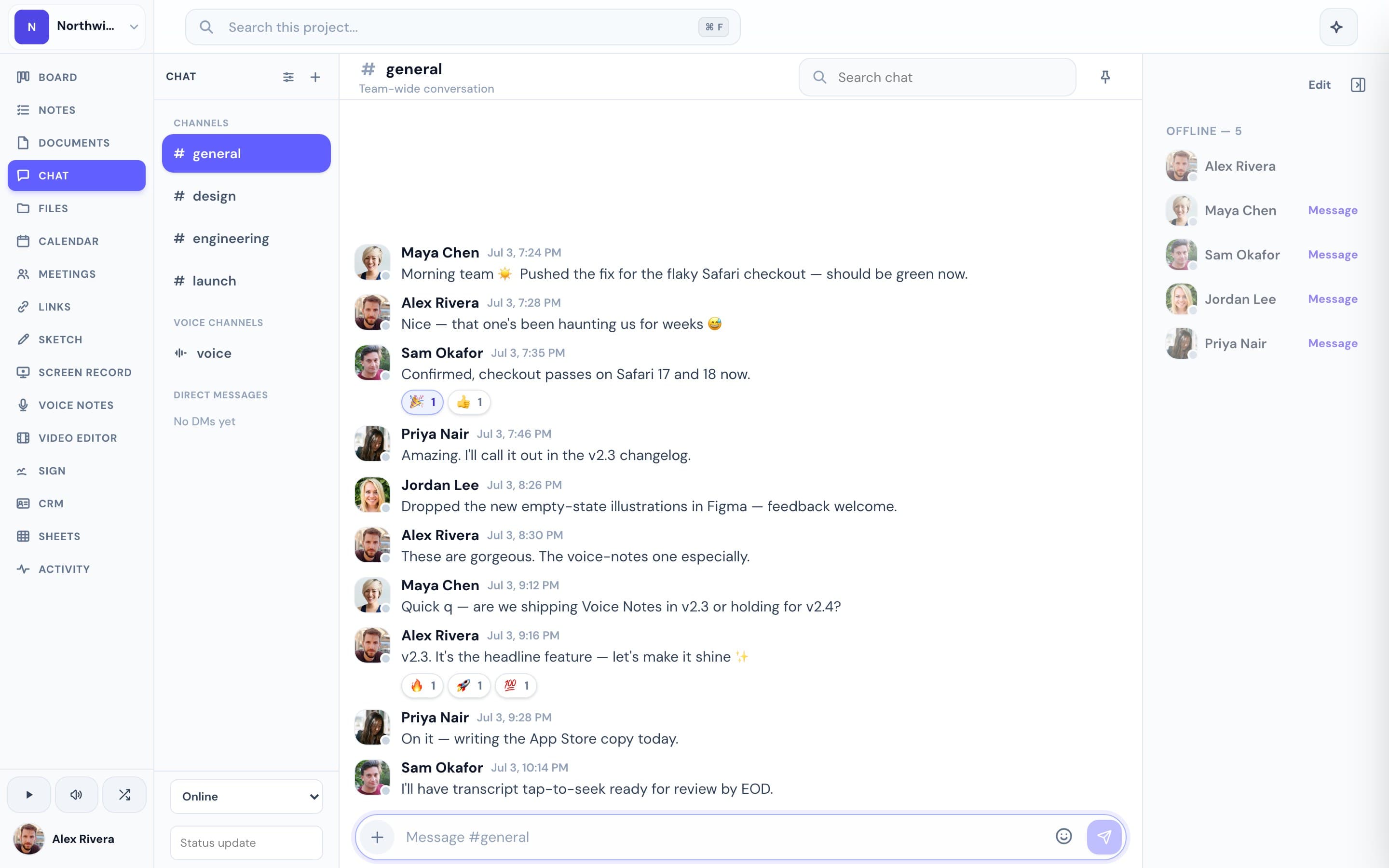
Most agencies, consultants, and small teams recording a screen aren't prospecting — they're explaining. A design walkthrough for a client, a bug repro for a teammate, a "here's where the project stands" update. For that, Vidyard's sales machinery is weight you carry but never use, and its free tier caps how many videos you can keep before the paid tiers kick in. Progress takes the part you actually need — record your screen and camera, share a public link, no account needed to watch — and builds it into the workspace where the work already lives. The recording sits alongside the kanban board, the docs, the team chat, the files, and the meeting notes for the same project. No separate video library, no separate subscription. Free during the open beta.
This is the real thing
Actual screenshots from a live Progress workspace — not mockups. Every project ships with all of it.

Looking for a Vidyard alternative?
If you love Vidyard's async video but you're not running a sales motion — you're running client projects — you may be paying for analytics, lead forms, and CRM sync you never open. Progress is a Vidyard alternative for teams whose recordings are about the work, not the pipeline: record a walkthrough, drop the link in the project chat or a client doc, and it stays attached to everything else about that project. You give up sales-grade viewer analytics; you gain the board, docs, chat, meetings, e-signatures, and bookings around every recording — all free during the open beta. To be clear, Progress is a project workspace with recording built in, not a dedicated video platform; if per-viewer engagement data drives your revenue, Vidyard remains the better fit.
More screen recording comparisons