
| Progress | Slite | |
|---|---|---|
| Rich document editor | Yes — rich editor with version history | Yes — clean, focused editor |
| AI answers from your docs | Yes — Scout answers across the whole project (free during beta) | Yes — Ask with citations, ~30 answers/user/month on Standard |
| Doc verification & stale-content flagging | No — version history only | Yes — verification, expiry reminders, AI staleness flags (stronger) |
| Share docs with clients | Yes — publish to a public page, no client account or seat | Sharing available, but collaborators are paid per-user seats |
| The project around the docs | Board, chat, meetings, files, e-sign, bookings, CRM built in | Knowledge base only — 100+ integrations, tasks/chat run elsewhere |
| Price | Free during open beta | $8/user/mo (annual); $20/user/mo Knowledge Suite; 14-day trial, no free plan |
What Slite gets right
Slite is a genuinely excellent knowledge base — arguably the best-focused one you can buy. Its "Ask" feature answers natural-language questions with citations pulled from your docs, and its verification system is the standout: doc owners mark content as verified, expiration reminders nudge them to re-check it, and an AI agent flags pages that have gone stale. That's a real answer to the problem every wiki has — rot. Slite is also refreshingly honest about its scope: it's knowledge management only, and it doesn't pretend to be your project tracker, task board, or CRM. If your team's single biggest problem is a trustworthy internal wiki, Slite is a strong pick.
Docs that live where the work happens
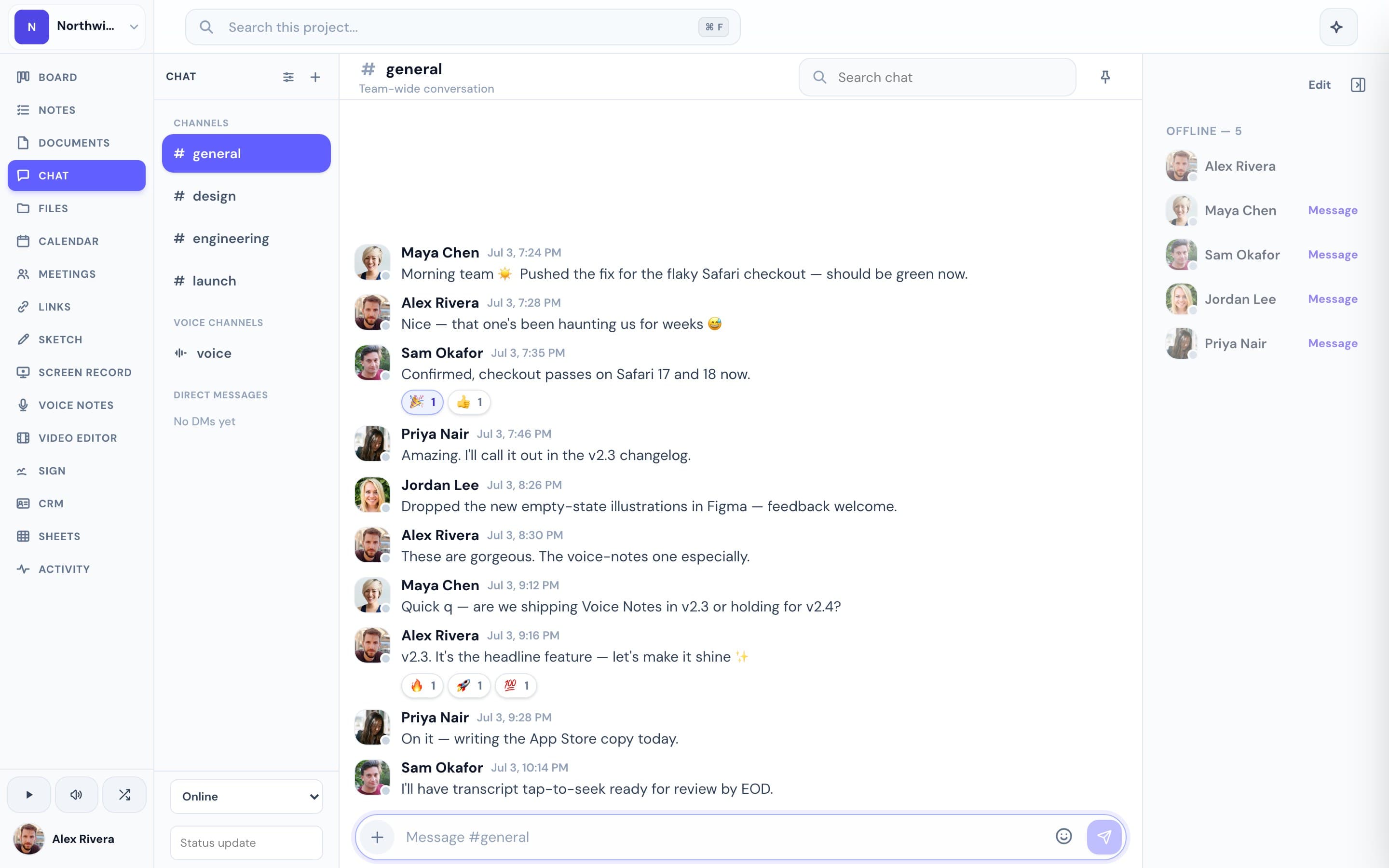
Progress isn't a dedicated knowledge platform — it's a project workspace, and documents are one of its core pieces. You get a rich editor with version history, PDF export, and one-click publishing to a clean public page a client can read without an account. The difference is what's next to the doc: the kanban board the doc refers to, the chat thread where it was discussed, the meeting where it was decided (with AI notes), the file it links to, and the e-signature request it turns into. Slite assumes you run tasks, chat, and meetings elsewhere and connects to them through integrations; Progress just includes them. And because Slite charges per user, every teammate or client you add to the workspace raises the bill — after a 14-day trial, there's no free plan to fall back on. Progress is completely free during open beta, and your clients never need a seat at all.
This is the real thing
Actual screenshots from a live Progress workspace — not mockups. Every project ships with all of it.


Looking for a Slite alternative?
If you love Slite's writing experience but keep tab-hopping to a separate board, chat app, and meeting tool — or you're watching the per-seat bill climb every time you add a collaborator — Progress is worth a look. You'll trade Slite's specialist knowledge-base features (verification workflows, staleness detection) for documents that sit inside the whole project: board, chat, calendar, meetings with AI notes, files, and e-signatures in one place. Clients read published docs, join meetings, and sign PDFs without an account, so nobody needs a seat. It's free during the open beta, so trying it costs nothing but the time to move a doc over.
Focused guides
More docs & wikis comparisons