
| Progress | Monday.com | |
|---|---|---|
| Setup & time-to-value | Opinionated workspace, ready out of the box | Configure boards, columns, and automations first |
| Scope | Board, notes, chat, calendar, recordings, e-sign built in | Work boards; chat, docs, video via add-ons |
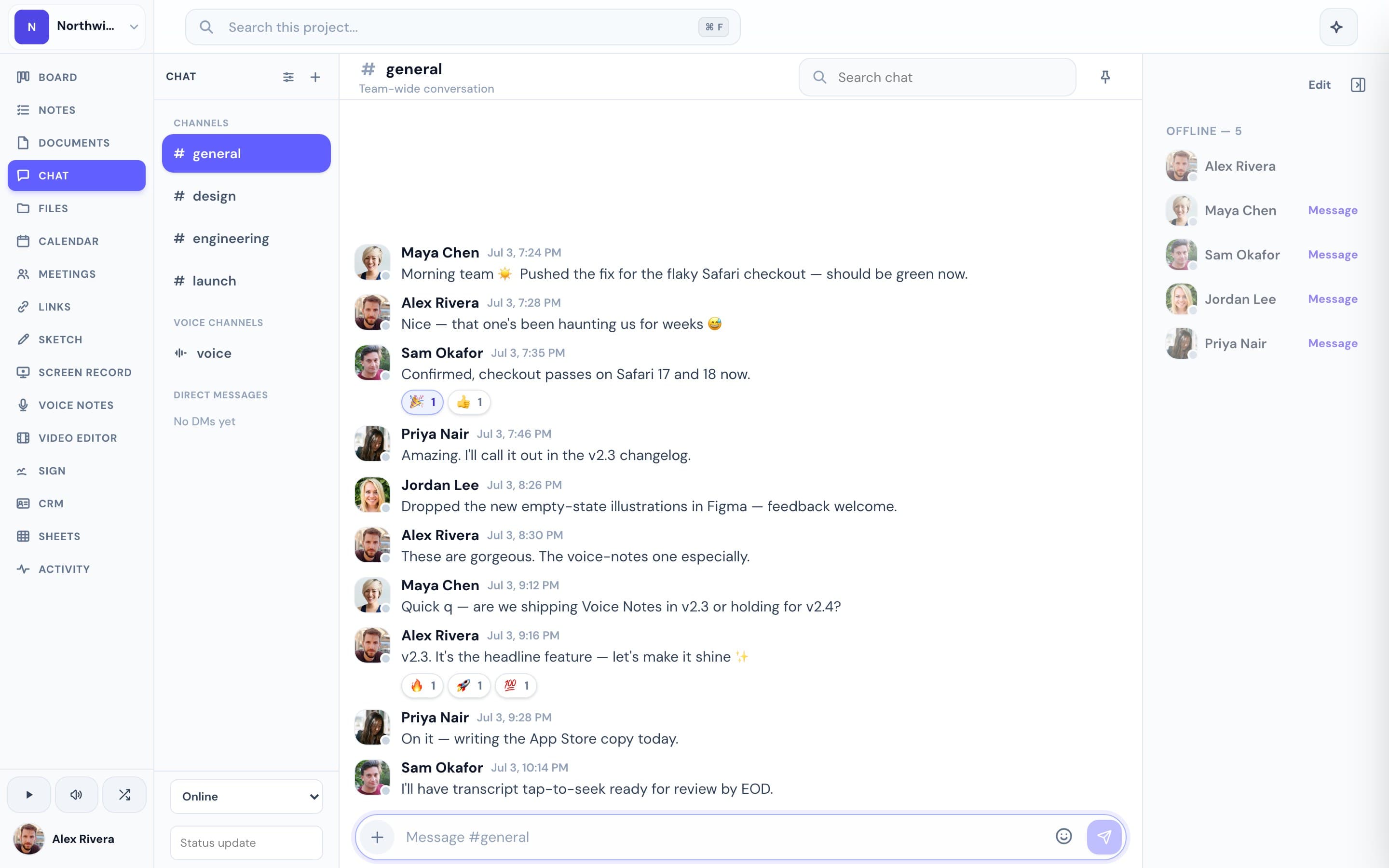
| Team chat | Native per-project channels + DMs | Item updates and comments |
| AI | Project-aware, can take actions | monday AI for content and automations |
| Native apps | Native desktop + iOS, voice dictation | Web-first, mobile apps |
| Pricing | Free during open beta | Per-seat tiers that climb with size and features |
What Monday.com does well
Monday is colorful, visual, and deeply customizable. Its boards, automations, and dashboards can model almost any workflow, and large teams that want to design their own processes have an enormous amount to work with.
Where Progress is different
All that flexibility means configuring boards, columns, and automations before Monday is useful — often with a dedicated admin. Progress ships an opinionated workspace per project: a kanban board beside notes, real-time chat, a Google-synced calendar, recordings, e-signatures, and a project-aware AI, ready the moment you open it.
This is the real thing
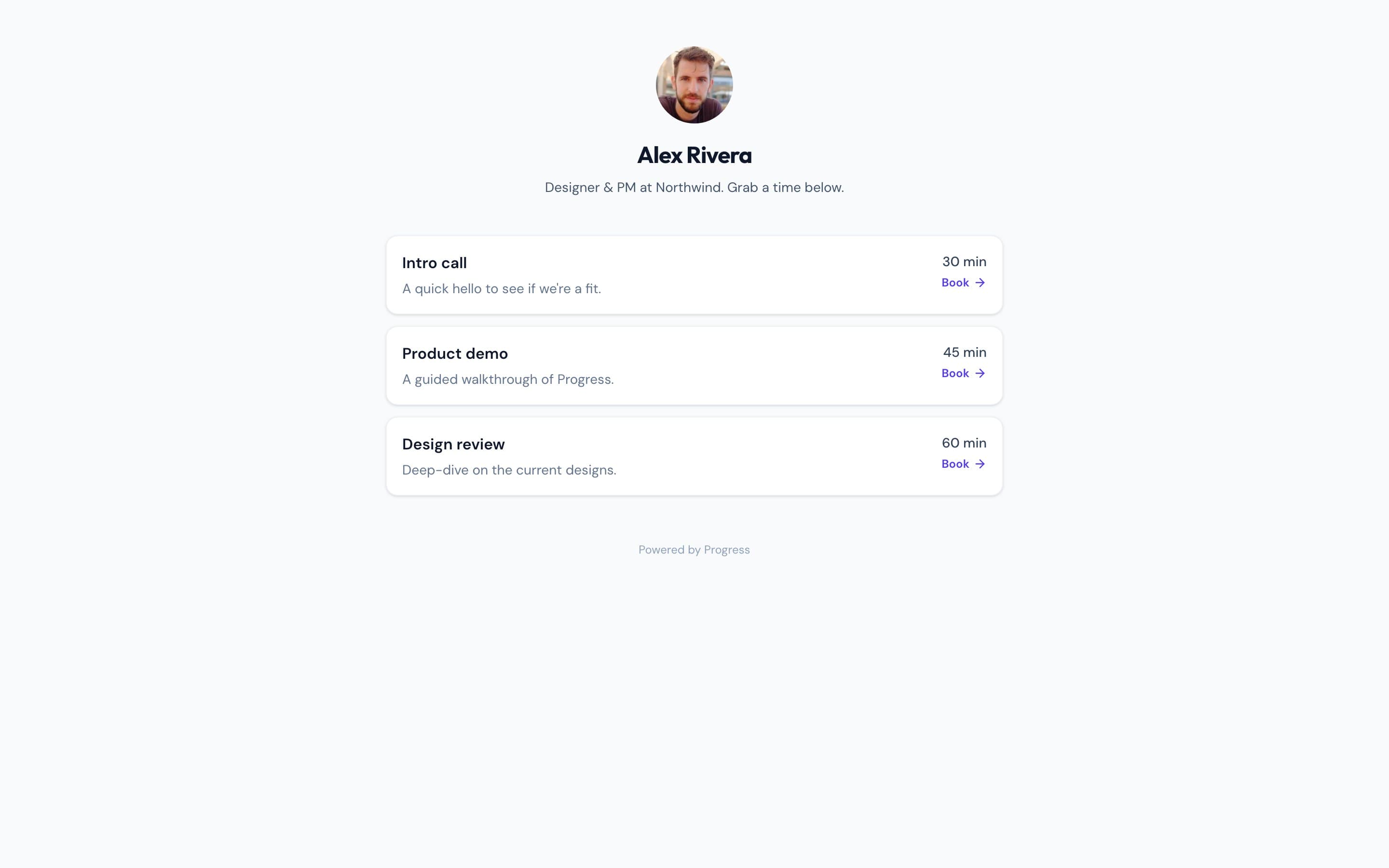
Actual screenshots from a live Progress workspace — not mockups. Every project ships with all of it.

Looking for a Monday.com alternative?
If Monday's setup and per-seat pricing outweigh what your team actually uses, Progress is a simpler alternative: one assembled workspace per project, free during our open beta, with nothing to configure before you start.
Focused guides
More project management comparisons