
| Progress | Slack | |
|---|---|---|
| Primary job | Project workspace with chat included | Real-time messaging hub |
| Where work lives | Board, docs, calendar, files in one place | In integrated third-party apps |
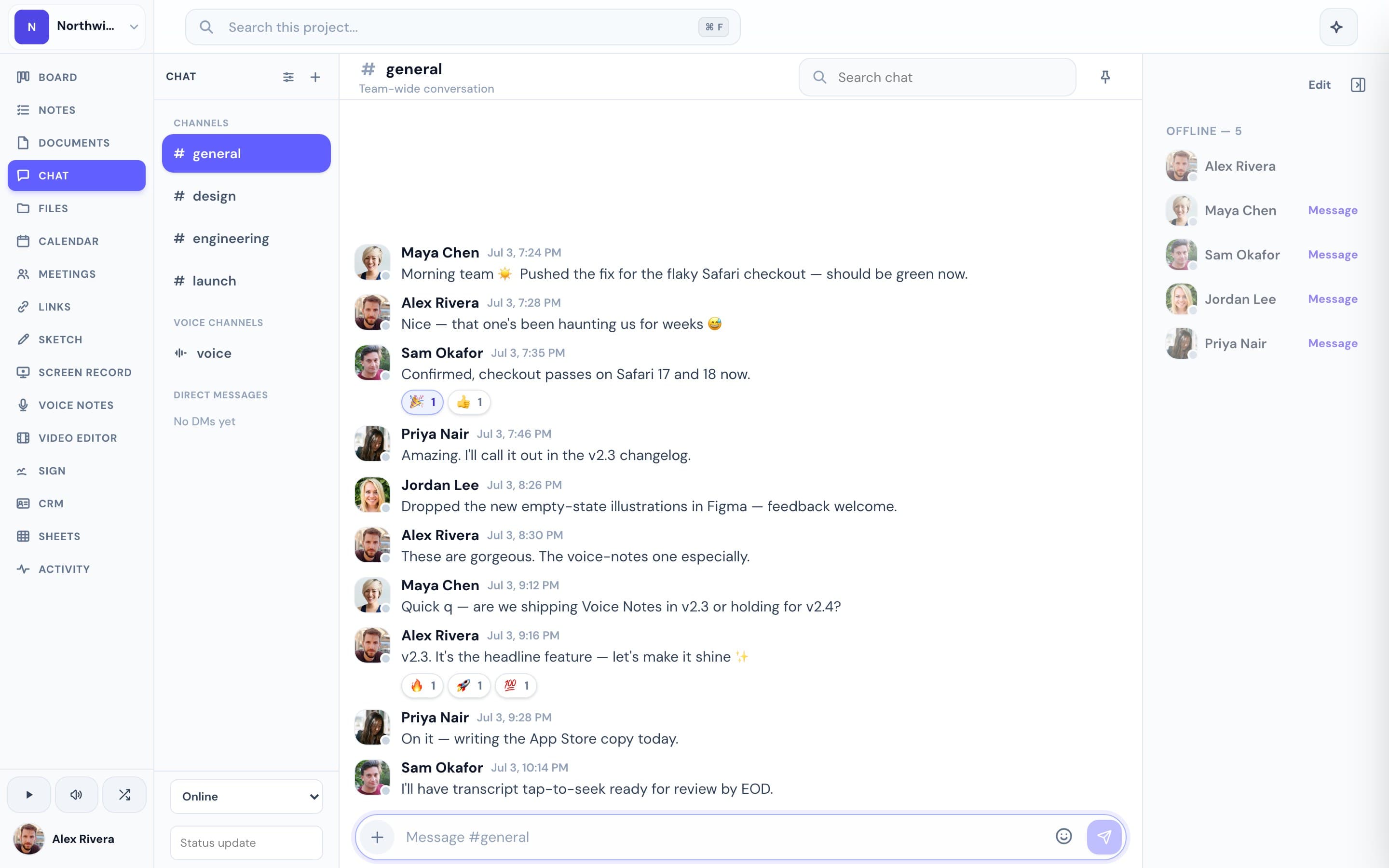
| Context | Chat sits beside the project's work | Conversations separate from tasks / docs |
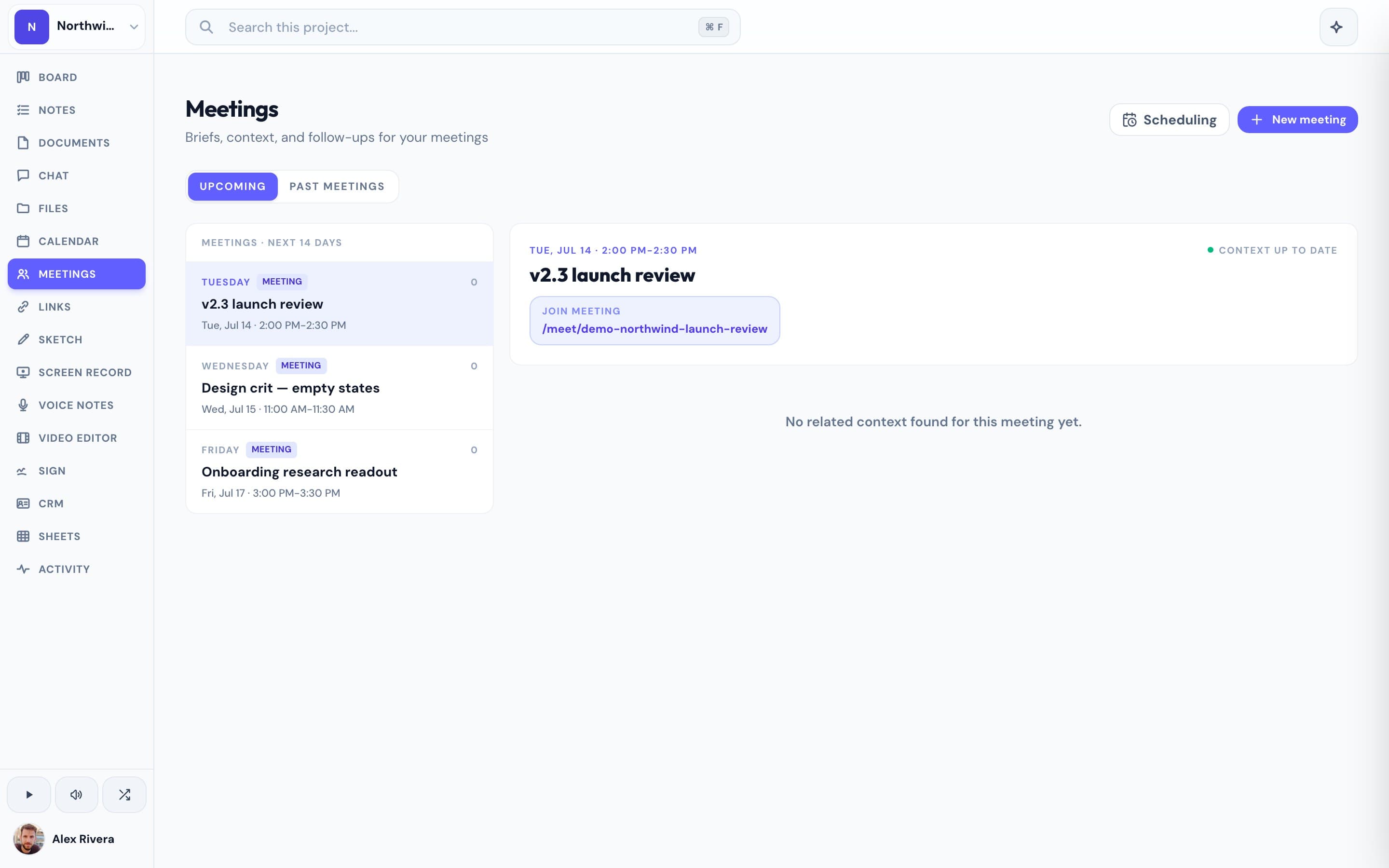
| Meetings & video | LiveKit meetings + async recordings | Huddles / calls; recordings limited |
| AI | Project-aware, knows your content | Slack AI for search and summaries |
| Pricing | Free during open beta | Per-seat; history gated on free |
What Slack does well
Slack is excellent at real-time communication — channels, DMs, huddles, and a vast integration directory that connects to almost every other tool teams use. As a messaging hub, it's the standard.
Where Progress is different
In Slack, conversations are detached from the work they're about, and you assemble the rest of your stack through integrations. Progress includes per-project chat right beside the board, notes, calendar, files, and meetings — plus a project-aware AI — so messages stay attached to the tasks and docs they reference.
This is the real thing
Actual screenshots from a live Progress workspace — not mockups. Every project ships with all of it.

Looking for a Slack alternative — or a way to tame it?
If your team's work is scattered across Slack plus a dozen integrations, Progress consolidates the stack: chat lives in the same workspace as the board, docs, and files for each project, free during open beta.
Focused guides
More team chat comparisons