
| Progress | Jira | |
|---|---|---|
| Audience | Any team running a project end to end | Software / agile engineering teams |
| Configuration | Works out of the box, no admin role | Powerful but complex to administer |
| Beyond tickets | Docs, chat, calendar, recordings, e-sign built in | Docs (Confluence), chat, video are separate products |
| Learning curve | Usable on day one | Steep; often needs a dedicated admin |
| AI | Project-aware, scoped to your content | Atlassian Intelligence across the suite |
| Pricing | Free during open beta | Per-seat across the Atlassian stack |
What Jira does well
For software teams that live in sprints, Jira is powerful and battle-tested — granular issue workflows, agile boards, and enterprise-grade reporting that scale to large engineering organizations.
Where Progress is different
Jira is built around engineering process and can be heavy to administer and bend for non-engineers. Progress works out of the box for any team — designers, marketers, ops, and clients — with a neutral kanban board plus notes, chat, a Google-synced calendar, recordings, and a project-aware AI in the same place.
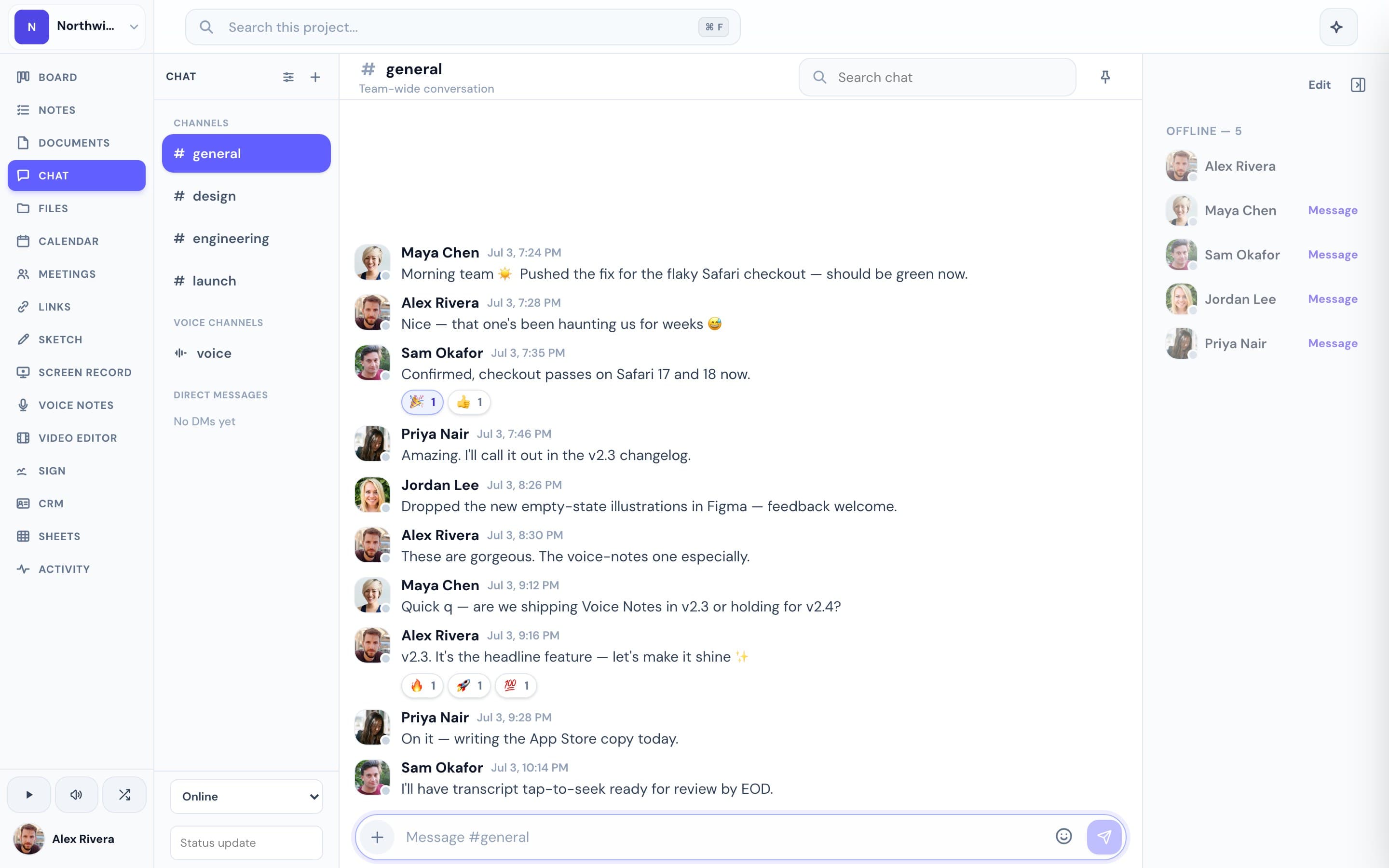
This is the real thing
Actual screenshots from a live Progress workspace — not mockups. Every project ships with all of it.


Looking for a Jira alternative?
If Jira feels like more process than your team needs — or you're tired of pairing it with separate docs and chat tools — Progress is a lighter alternative that gives the whole team one workspace per project, free during open beta.
More project management comparisons