
| Progress | Miro | |
|---|---|---|
| Whiteboard canvas | Yes — freeform Excalidraw-style sketches in every project | Yes — infinite canvas with deep diagramming; the best dedicated whiteboard around |
| Templates and workshop tools (voting, timers) | No — freeform sketching only | Enormous template library plus real facilitation tools — Miro is stronger here |
| Editable boards on the free plan | No limits — free during open beta | 3 per team; creating a fourth makes the oldest view-only |
| Sharing with clients | Clients join meetings, view shared docs, files and recordings, and sign — no account needed | Guests require a paid plan; free-plan invitees join as full team members with access to every board |
| Board privacy | Scoped to each project workspace | No private boards on the free plan — everything is shared with the whole team |
| The rest of the project (chat channels, meetings with AI notes, e-sign, bookings, CRM) | All built into the same workspace | Not included — canvas docs and paid-plan video chat, but no task boards, e-sign, bookings, or CRM |
| Price | Completely free during open beta | Limited free plan; ~$8–$20 per user per month after, scaling with headcount |
What Miro does brilliantly
Miro is the deepest dedicated whiteboard you can buy. The infinite canvas genuinely feels infinite, the template library is enormous, and the diagramming tools are serious enough for real architecture and process work. It's also built for running sessions, not just drawing — voting, timers, and facilitation features make it the default choice for workshops, and 100+ integrations connect it to nearly everything. If visual collaboration is the center of your job, Miro earns its reputation.
Our angle: the sketch is part of the project, not the product
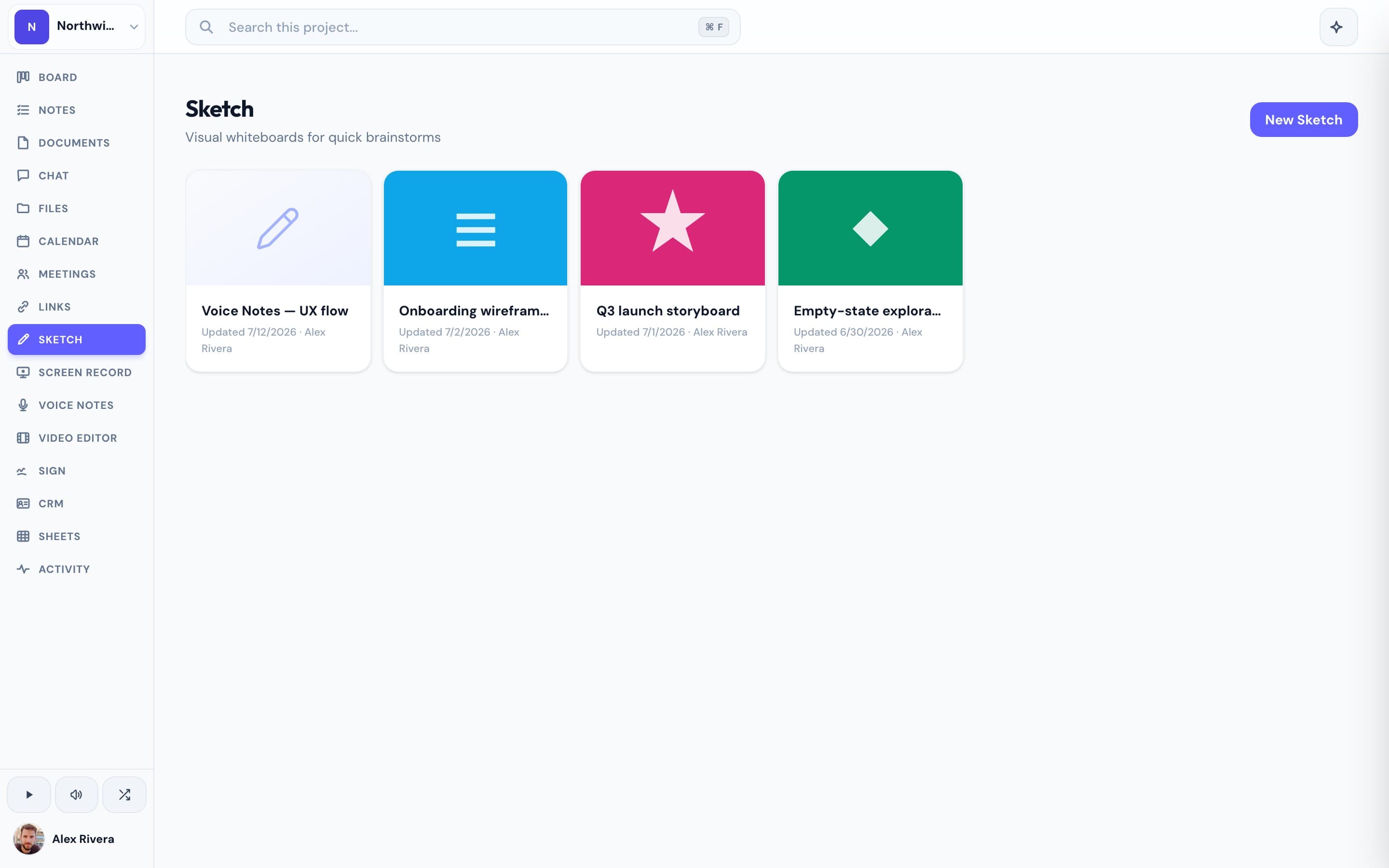
Progress includes Excalidraw-style whiteboard sketches inside every project — quick, freeform, and sitting right next to the kanban board, the docs, the team chat, the meetings, and the files for that same piece of work. We'll be honest: our canvas is simpler than Miro's, and we don't have its template library or workshop tools. What we have instead is everything around the sketch. When you diagram a flow in Progress, the tasks it produces go on the board in the same tab, the discussion happens in the project's chat, and when it's time to show the client, they join the meeting, view the shared doc or recording, and sign off — all by link, no account required. That last part matters: on Miro's free plan there are no guests — anyone you invite becomes a full team member with access to every board, and every board is visible to the whole team. You also get 3 editable boards before the oldest goes view-only, and version history, video chat, and exports are paid features. Progress has no board limits, no per-seat math, and clients never need a login — and the whole workspace is free during open beta. Miro's depth is real, and many teams find that depth heavy for occasional sketching; if that's you, a lighter canvas inside a complete workspace may be the better trade.
This is the real thing
Actual screenshots from a live Progress workspace — not mockups. Every project ships with all of it.


Looking for a Miro alternative?
Be honest with yourself about what you use Miro for. If you run structured workshops, build complex diagrams, or live on the canvas all day, Miro is the right tool — keep it, and nothing here will replace that depth. But if you mostly sketch to think — a quick flow before a build, a layout during a call, a diagram to show a client — Miro's dense menus and per-seat pricing are a lot of tool for the job, and the free plan's 3-board cap and no-guest policy get in the way fast. Progress gives you a whiteboard that's genuinely enough for that kind of sketching, attached to the board, docs, chat, and meetings the sketch was always about. Drop it in a doc or walk the client through it on a call — they see it from a link, no account, no seat, no charge. If you love the idea of Miro but need it to live inside the project rather than beside it, that's what Progress is for.
More whiteboards comparisons