
| Progress | Asana | |
|---|---|---|
| Task management | Kanban board, due dates, checklists | Tasks, timelines, dependencies |
| Docs & notes | Built-in rich notes | Lighter; often external docs |
| Team chat | Built-in channels + DMs | Task comments; no chat |
| Recordings, e-sign, bookings | Built-in | Via integrations |
| AI | Project-aware, can take actions | Asana AI features |
What Asana does well
Asana is excellent at structured task and workflow management. Timelines, dependencies, custom fields, rules, and portfolio views make it powerful for coordinating complex, multi-team initiatives where process matters.
Where Progress is different
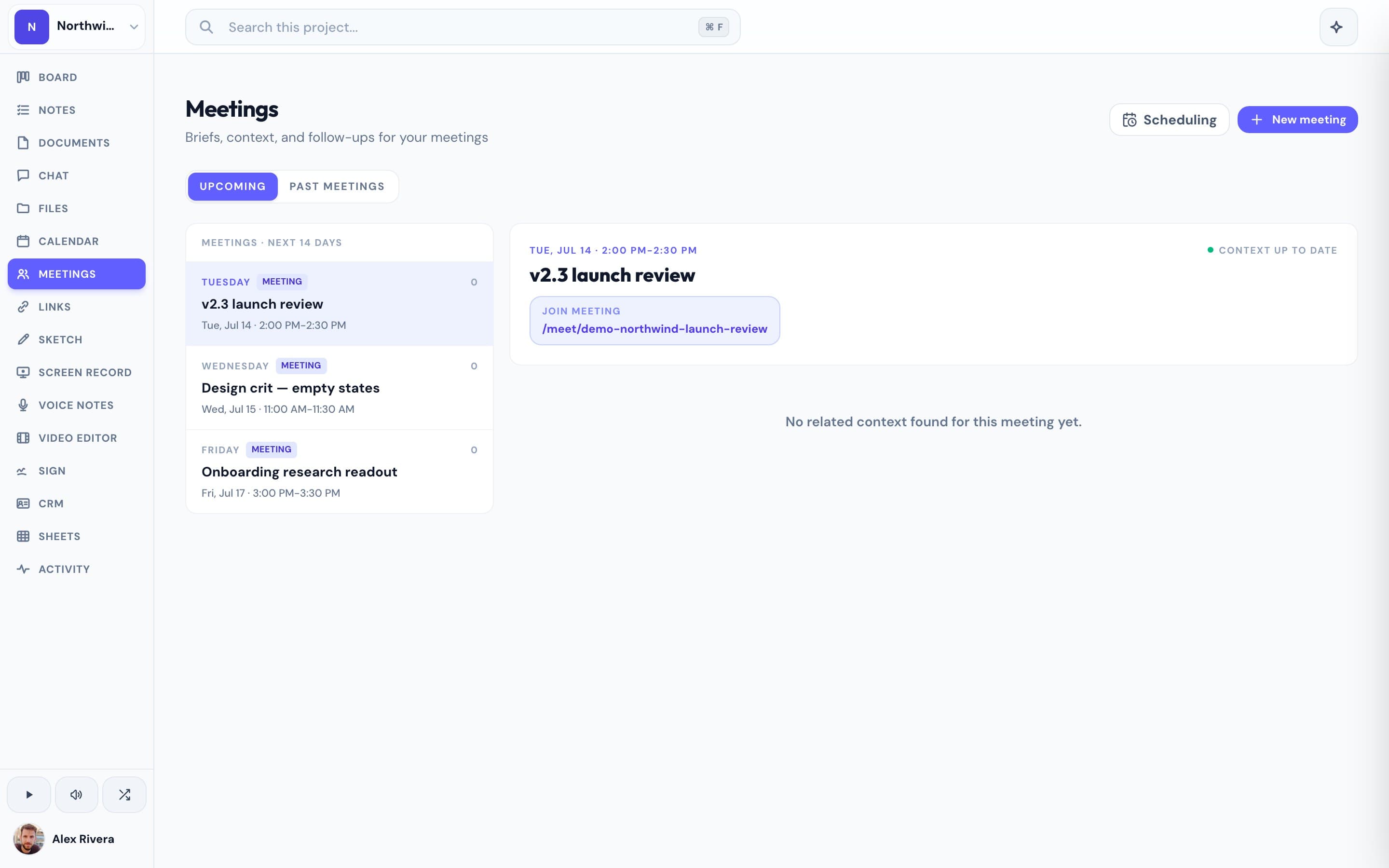
Asana is task-centric — docs, files, and conversation tend to live in other tools you connect. Progress centers the project itself: the board sits beside the project's notes, real-time chat, Google-synced calendar, files, recordings, signatures, and a project-aware AI, so the context around a task is always one click away.
This is the real thing
Actual screenshots from a live Progress workspace — not mockups. Every project ships with all of it.


Looking for an Asana alternative?
If Asana feels heavier than your projects need — or you're tired of pairing it with separate docs, chat, and file tools — Progress is a lighter alternative that keeps everything for a project in one workspace.
Focused guides
More project management comparisons