
| Progress | Airtable | |
|---|---|---|
| Getting started | Board, docs, chat, and calendar ready per project | Design your own tables, views, and relations first |
| Client video meetings + AI notes | Built in — guests join from a link, no account | Not built in — needs Zoom/Meet plus a separate notetaker |
| E-signature | Built-in Sign tool | Not built in — needs DocuSign or similar |
| Team chat | Built-in channels + DMs | Not built in — needs Slack or similar |
| Custom database modeling | Board and CRM cover common project needs, not a general database builder | Purpose-built — link any records, any schema you design |
| Scheduling / booking pages | Built in, backed by Google Calendar | Not built in — needs Calendly or similar |
Airtable's flexibility is real
If you need to model something unusual — a multi-step approval pipeline, a product catalog with dozens of linked fields, a custom internal app for one specific workflow — Airtable's grid-plus-relations engine, plus its automations and Interfaces layer, can build almost anything. Teams that enjoy database design and want full control over their data model get genuine power here that a fixed project workspace won't match.
Progress is the workspace, not the blank canvas
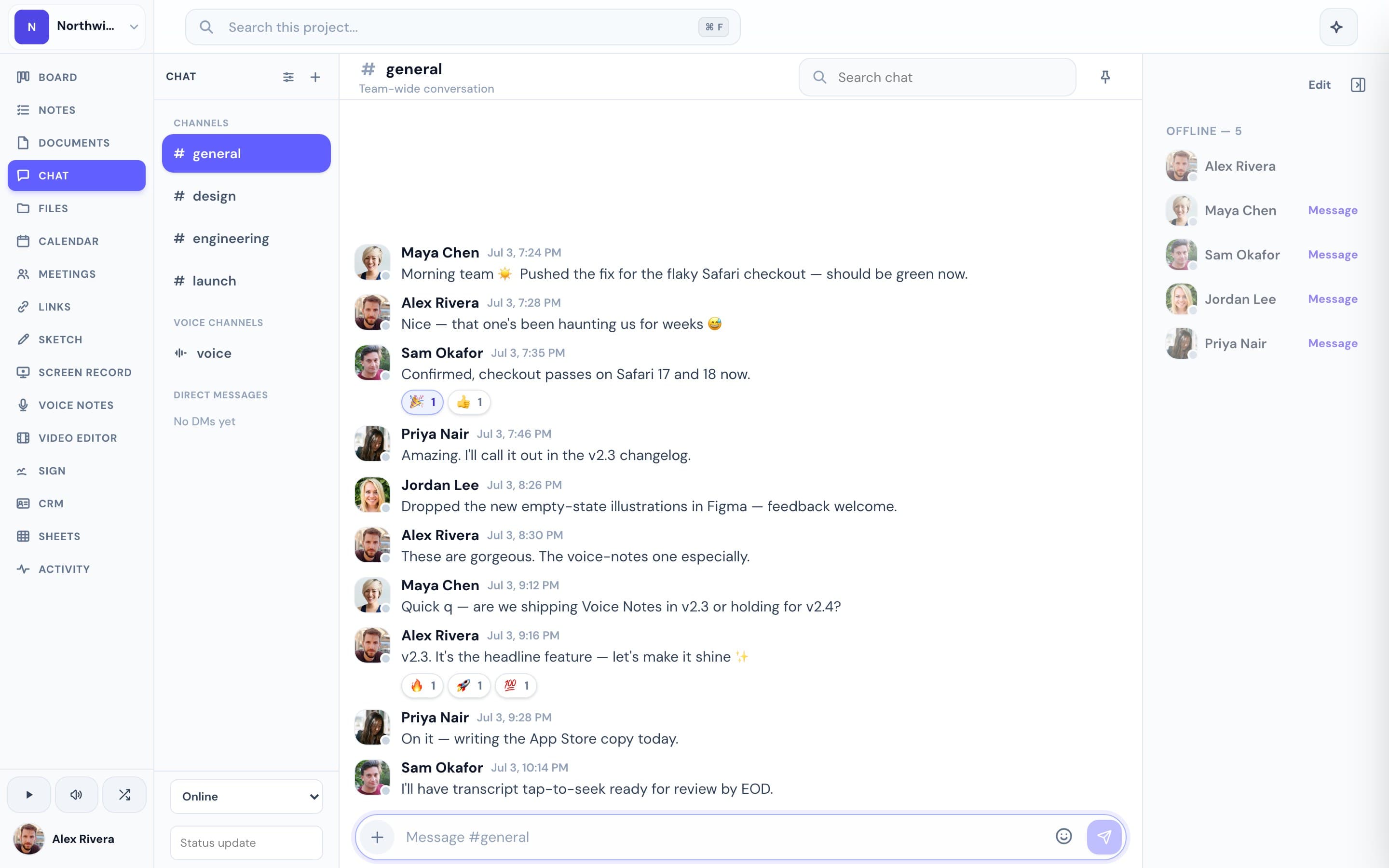
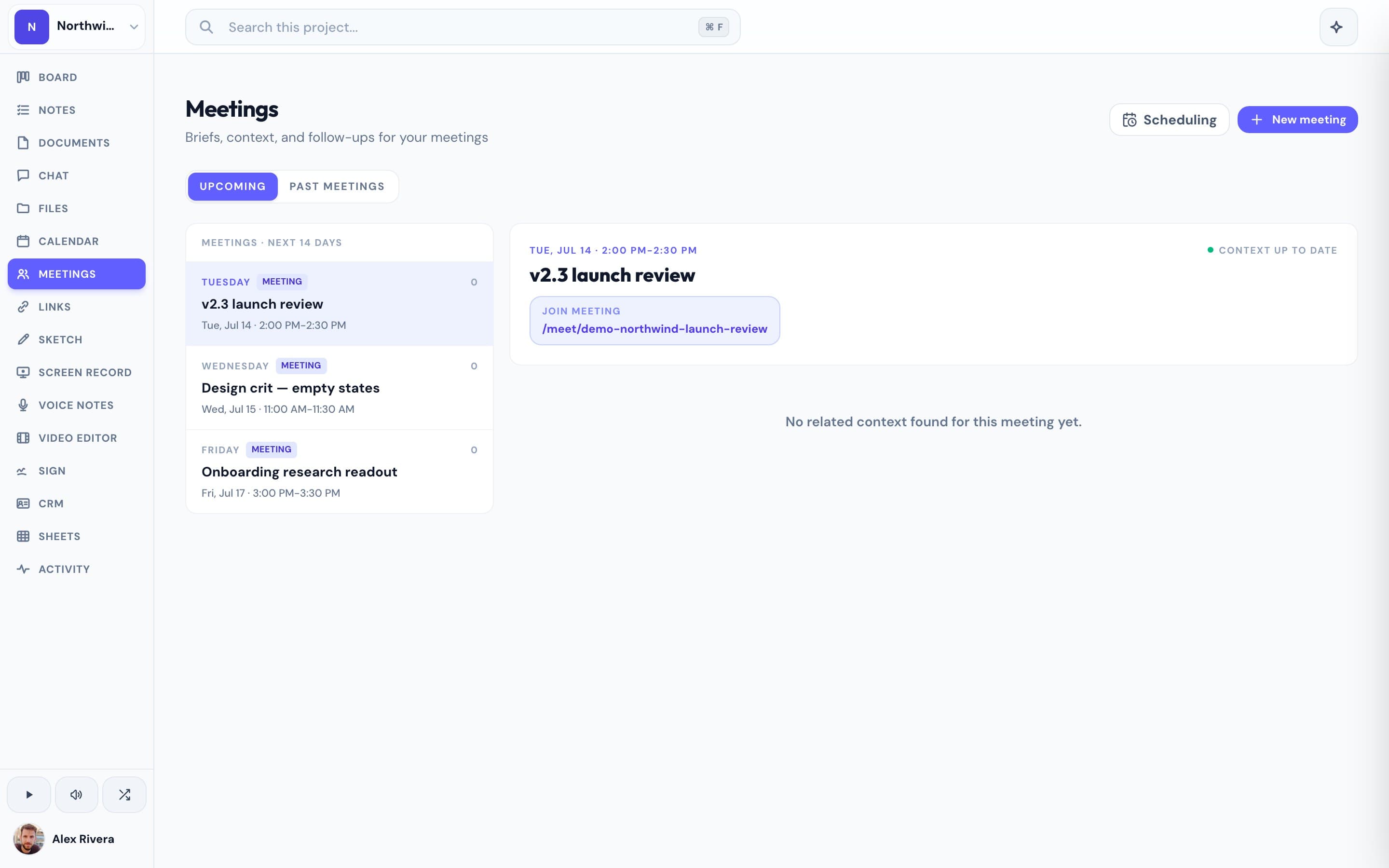
Every Progress project starts with a board, notes with version history, real-time chat, a Google-Calendar-synced calendar, meetings that guests join from a link with AI notes, e-signature, files, and a lightweight CRM — already connected, with no schema to design first. You're managing the project on day one instead of building the tool that manages it.
This is the real thing
Actual screenshots from a live Progress workspace — not mockups. Every project ships with all of it.

Looking for an Airtable alternative?
If your team has outgrown a spreadsheet-turned-database, or you're tired of stitching Zoom, DocuSign, and Slack onto your Airtable base to actually run client work, Progress gives you a project workspace that's ready on day one. It's free during the open beta. There's no automatic importer from Airtable yet — moving records over is a manual process, and our team can help through in-app support.
More project management comparisons