
Themes & appearance
Make Progress yours — light, dark, and a palette of accent colors.
Progress adapts to how you like to work. Set a base theme and an accent color in Settings → Appearance.
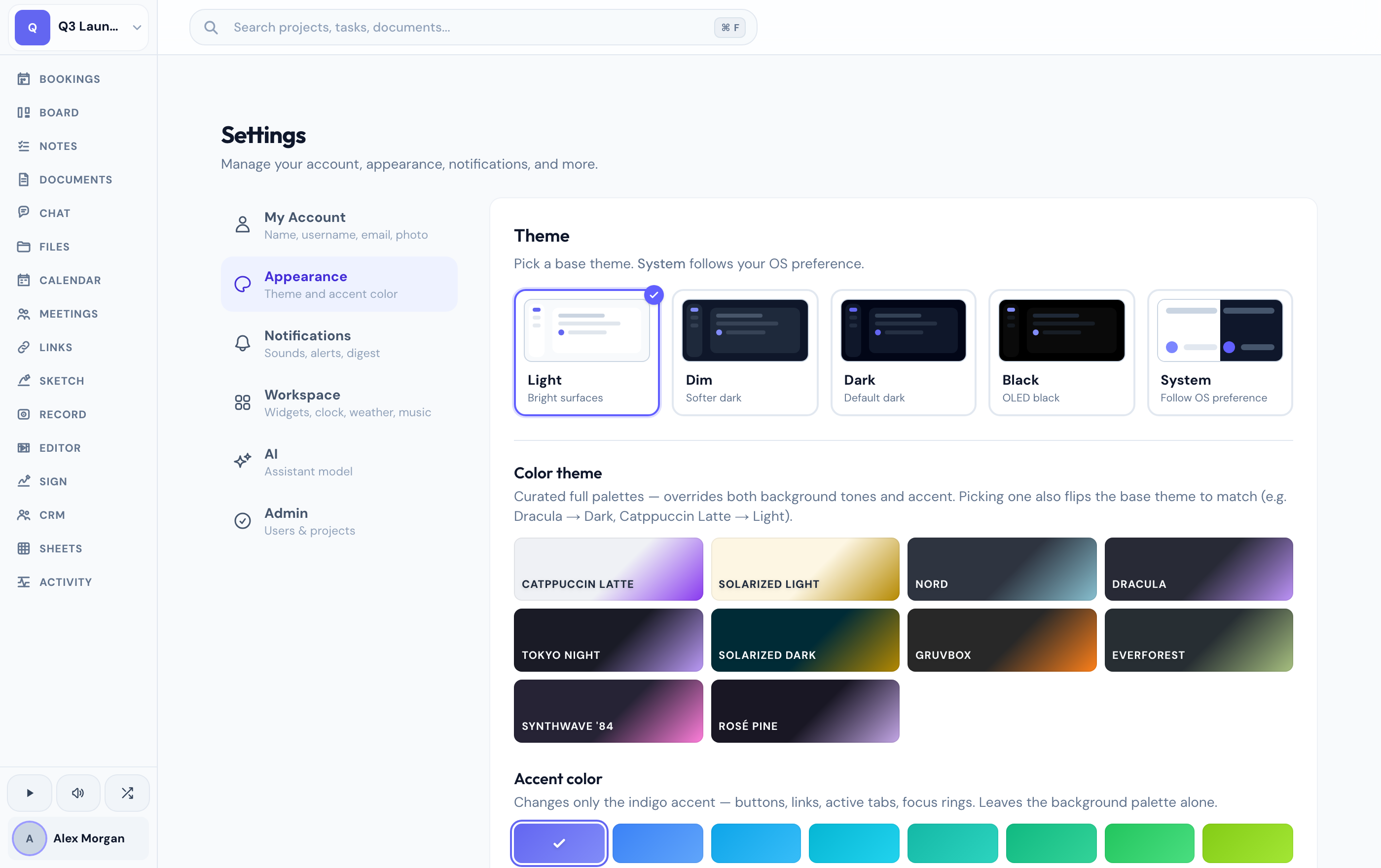
Base themes
1
Open Appearance settings
Go to Settings → Appearance.
2
Pick a base theme
Choose the brightness that suits you.
- Light — the classic bright theme.
- Dim — a softer dark.
- Dark — a deeper dark.
- Black — true OLED black, easy on the battery.
- System — follow your device's light/dark setting automatically.
Accent colors
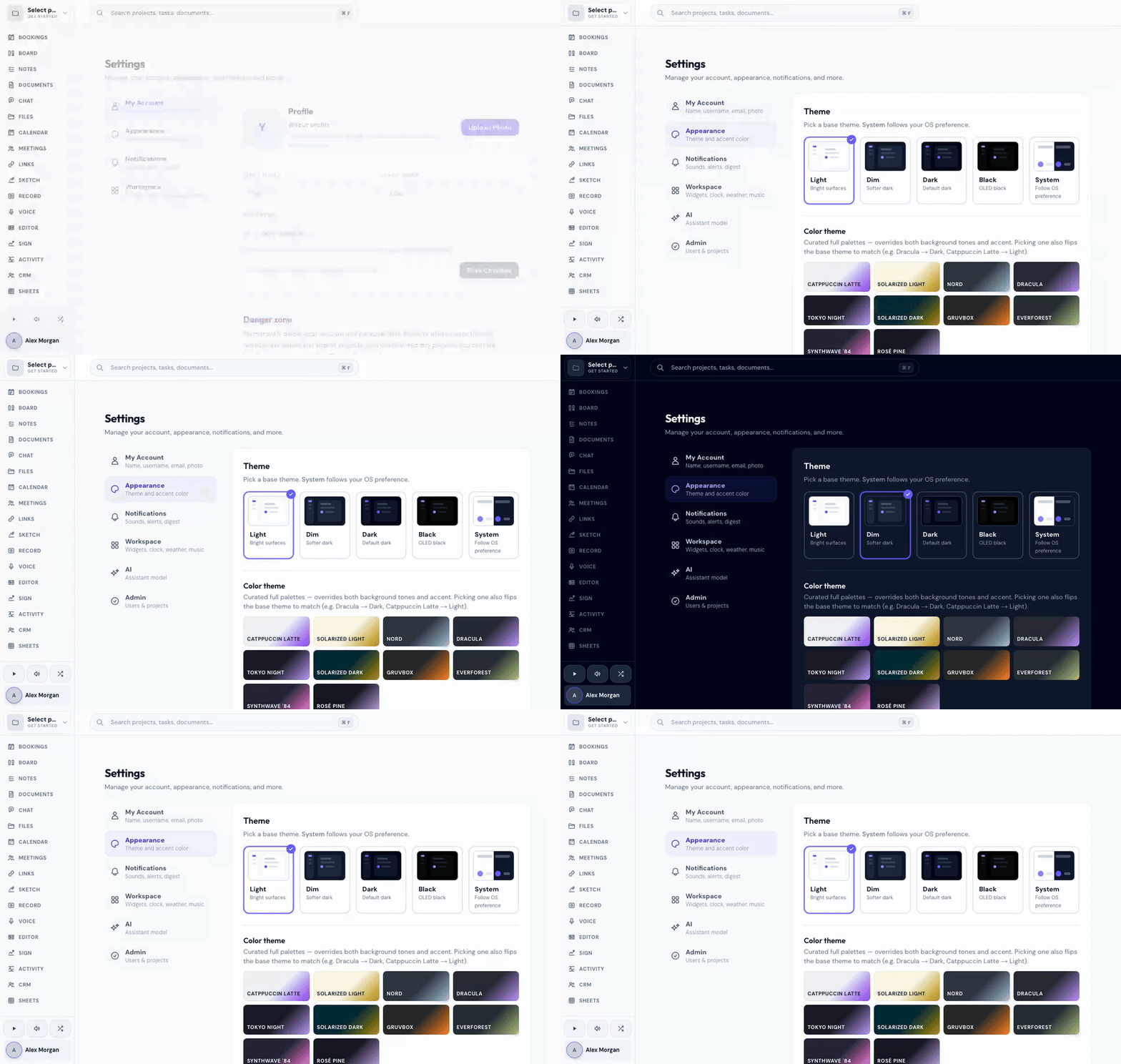
On top of your base theme, pick an accent color — sixteen options from indigo to rose. Want to go further? Ten curated themes (like Nord, Dracula, and Rosé Pine) restyle the whole palette at once.
Prefer a dark help center? Use the sun/moon toggle in the top bar of this site — it's remembered on your device, separate from your in-app theme.
Related
Was this helpful?