
| Progress | Todoist | |
|---|---|---|
| Board view | Kanban board with columns, labels, checklists, due dates, and a milestone burndown per project | Board view with sections as columns and drag-and-drop cards |
| Docs & notes | Notes & Documents with version history live in the same project | No built-in docs; task descriptions and comments only |
| Team chat | Real-time channels and DMs built into each project | No chat; task comments only |
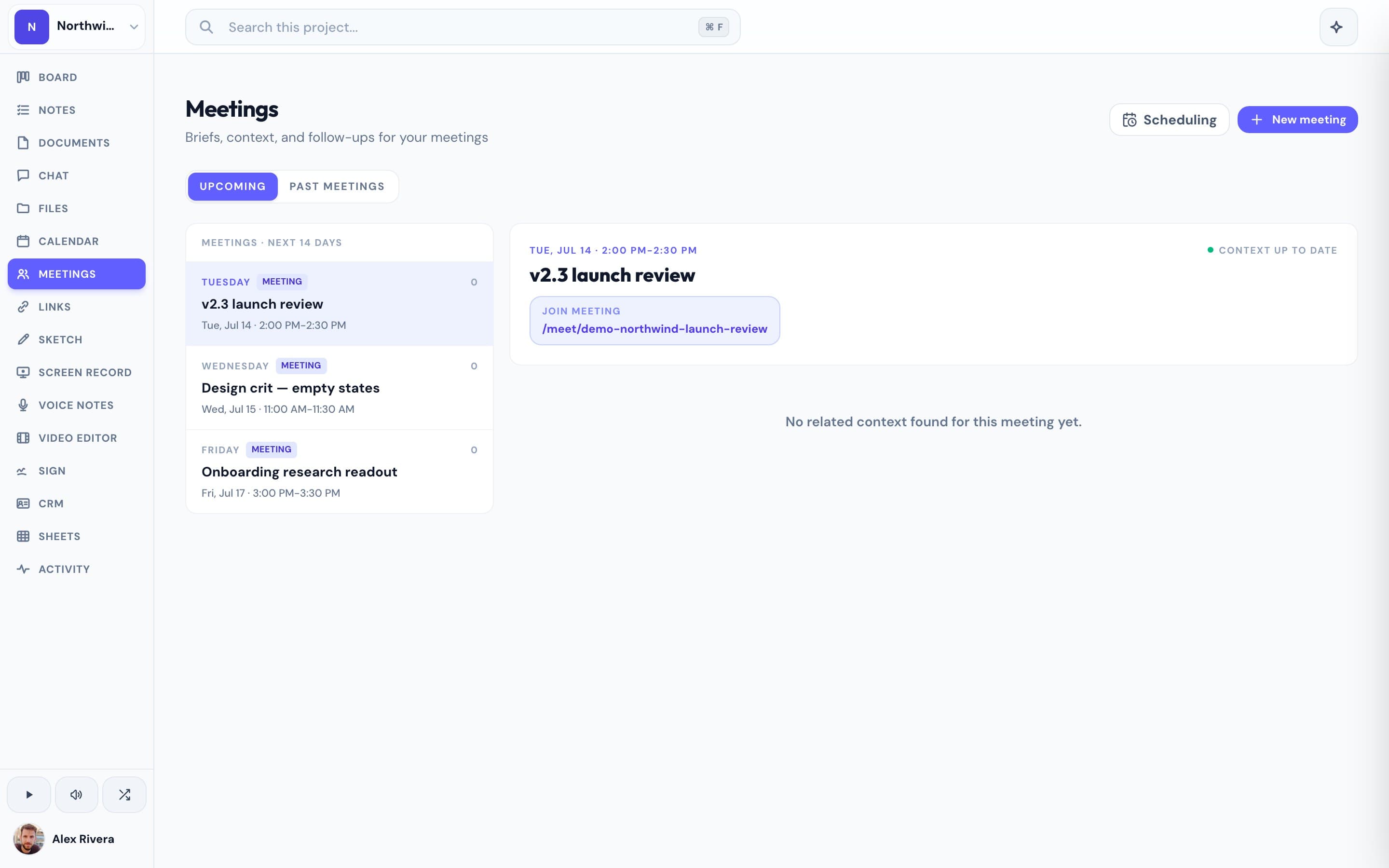
| Client meetings | Video meetings guests join from a link, no account, plus AI meeting notes | Not part of Todoist |
| Scheduling & booking | Booking pages backed by Google Calendar, built in | Not part of Todoist |
| AI assistance | Project-aware assistant that can act across the board, chat, and calendar | AI Assist for suggesting subtasks and quick-adding tasks |
Todoist is built for speed and personal follow-through
Todoist earned its following honestly: natural-language date parsing turns 'call Sam next Tuesday at 3pm' into a real due date, Quick Add is fast enough to use mid-conversation, and karma streaks make sticking with a system feel like a game instead of a chore. It runs everywhere: web, phone, desktop, browser extension, even a smartwatch, and its label-and-filter system lets power users build a task setup as elaborate as they want. If your job is mostly your own list of things to get done, Todoist is hard to beat.
A project needs a board a whole team can see, not just a list you check off
Todoist does have a board view now (sections as columns, cards you can drag between them), but it sits inside a personal task app built around one person's due dates. Progress starts from the board: cards move through columns with labels, checklists, comments, and due dates, milestones roll up into a burndown so you can see if a project is actually on pace, and the same workspace holds the calendar, chat, meetings, files, and notes the work depends on. Nothing needs to be assigned to a Todoist inbox and then explained again somewhere else; the project lives in one place.
This is the real thing
Actual screenshots from a live Progress workspace — not mockups. Every project ships with all of it.


Looking for a Todoist alternative?
If Todoist's board view already feels like it's straining to hold your projects (teammates asking questions in task comments, deliverables emailed instead of attached, calls booked through a separate scheduling link), Progress gives that same list-and-board habit a full workspace to grow into. It's free during the open beta.
Comparisons