
| Progress | Obsidian | |
|---|---|---|
| Notes storage | Cloud-hosted, synced automatically across devices | Local markdown files on your device |
| Real-time collaboration | Multiple people can edit and comment together live | Single-user by design; sync moves files, it doesn't merge live edits |
| Note version history | Built in on every note | Via community plugins or your own backup habits |
| Notes next to the actual work | Same workspace as the board, chat, calendar, and meetings | A standalone vault; connecting it to tasks or calls means other apps |
| Sharing with clients or teammates | Publish docs, book calls, sign, and meet — no account needed on their end | Via Obsidian Publish, a separate product for static pages |
| Extensibility | Focused feature set, nothing to configure | Deep plugin ecosystem for people who like building their own setup |
What Obsidian does well
Obsidian stores your notes as plain markdown files on your own device, so there's no lock-in and no server between you and your writing — it even works fully offline. Backlinks and the graph view make it genuinely good for connecting ideas over time, and its plugin ecosystem is enormous, letting people who like tinkering shape it into almost anything. For a single person building a long-term, private knowledge base, it's a well-loved, capable tool.
Where Progress is different
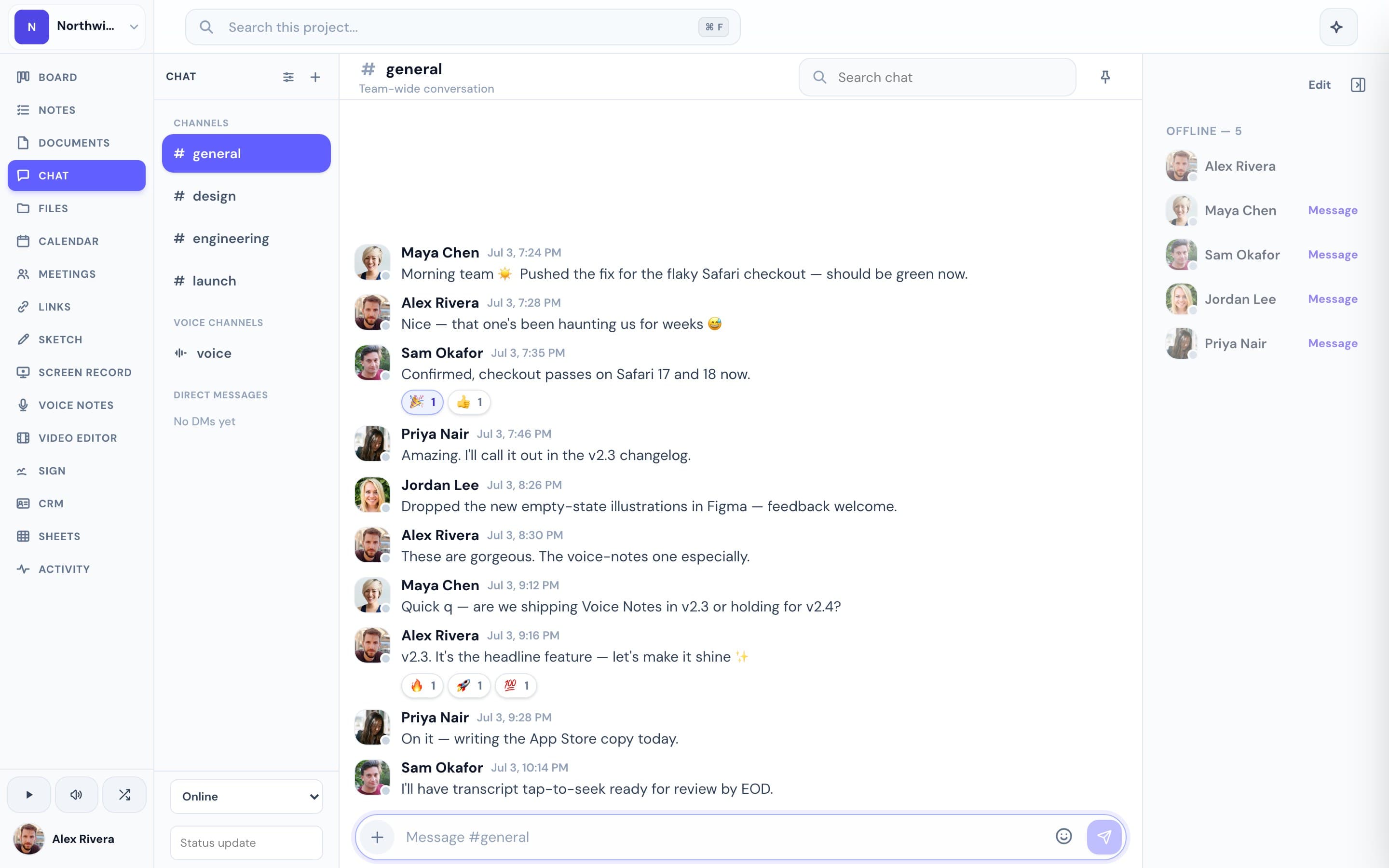
Progress starts from the project, not the vault. Notes and documents live inside the same workspace as the kanban board, real-time chat, a Google-synced calendar, meetings with AI notes, files, and e-signatures — so what you write down is already sitting next to the work it describes and the people it's for. Multiple people can edit and comment together, every note keeps version history automatically, and nothing needs a plugin to work: it's one connected workspace per project instead of a personal vault you'd have to open up to a team.
This is the real thing
Actual screenshots from a live Progress workspace — not mockups. Every project ships with all of it.


Looking for an Obsidian alternative?
If what you actually want is your notes living with the rest of the work — visible to the team that needs them, attached to the calls that produced them, feeding into the board they turn into — Progress is a different kind of Obsidian alternative. It isn't a bigger vault; it's a shared workspace where notes are one connected piece instead of a private file tree. Obsidian stays the stronger choice for personal, offline, endlessly customizable note-taking. Progress is built for teams and client work where notes need to talk to everything else.
Comparisons