
What Calendly does well
Calendly is the polished standard for scheduling: reliable availability logic, team routing, reminders, and integrations with every calendar and CRM. If scheduling is the only problem you need solved, it solves it excellently.
Where Calendly gets stretched for client-facing teams
The call books; the engagement scatters
After the Calendly event, the real work starts — and it starts in five places: notes in a doc, scope in a PDF, signature in DocuSign, tasks in a board, recap in an email thread. Nothing connects back to the person who booked.
Another subscription in the stack
Calendly is one more per-seat line item alongside your project tool, meeting notetaker, and signature tool — four subscriptions to run one client engagement.
No memory of the relationship
Calendly knows this person booked a call. It doesn't know they're three weeks into a project, what was decided on the last call, or what's still unsigned. Every booking starts from zero.
| Progress | Calendly | |
|---|---|---|
| Booking pages + availability | Built in, Google Calendar-backed | Best-in-class scheduling |
| What the booking creates | A calendar event — and optionally a full client project | A calendar event |
| Video call + AI notes | Built in — recap with action items | Via Zoom/Meet + a notetaker |
| Proposals, docs, e-sign | Built into the same workspace | External tools |
| Client history / CRM | Built-in people & interaction tracking | Via CRM integrations |
| Price today | Free (open beta) | Free tier + per-seat plans |
Why client-facing teams pick Progress
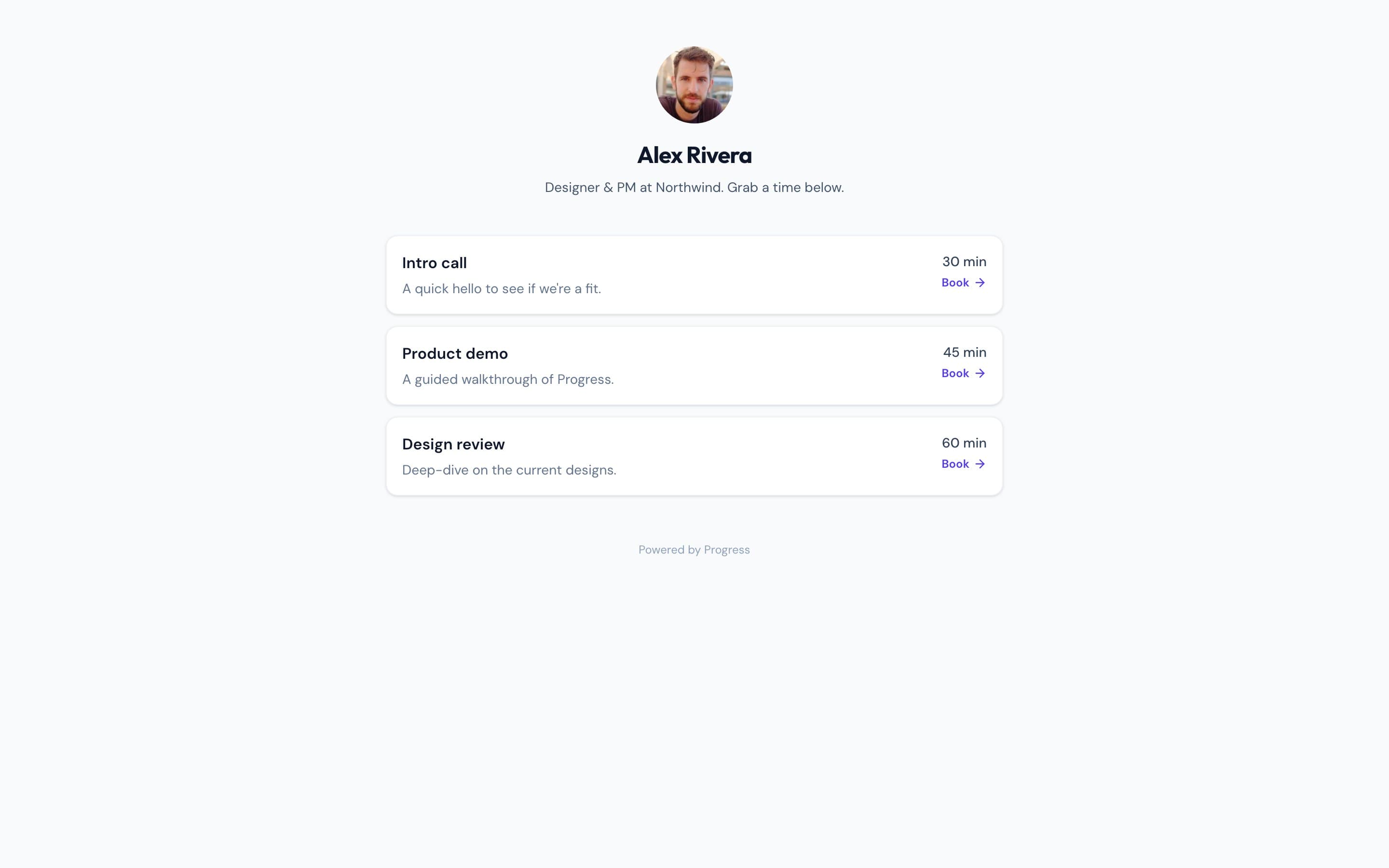
Your Progress booking page does what Calendly does — public link, live availability, calendar events with a meeting link. The difference is what happens next: the booking can become a client project with the board, docs, meeting room, and signature flow attached, and the person who booked becomes a tracked relationship, not a calendar entry.

Switching from Calendly
Set up your Progress booking page (a few minutes — it reads availability from Google Calendar), drop the link in your email signature, and let the next inbound client run through it. Calendly can stay live while you compare; nothing about switching is destructive.
Common questions
Does Progress match Calendly's scheduling features?
It covers the core well: event types, Google Calendar availability, buffers, confirmations, reschedule/cancel links, and reminders. Calendly still goes deeper on enterprise routing and one-off integrations; Progress's bet is that the workspace around the booking matters more.
Do invitees need an account?
No — booking, rescheduling, joining the meeting, and signing documents all work for your clients without a Progress account.
Can a booking really become a project?
Yes — a booking can be converted into a Progress project so the call, its AI notes, follow-up tasks, and documents all live in one place tied to that client.
What does it cost?
Free during the open beta, including booking pages, meetings, and AI notes. Pricing comes later — beta users hear first.
Head-to-head comparisons
More guides