
| Progress | Granola | |
|---|---|---|
| How notes are captured | Meetings run inside Progress; each participant's mic is recorded in-browser, then transcribed and summarized | Captures your device's audio directly — no bot joins, invisible to other attendees |
| Works with Zoom / Meet / Teams | No — Progress doesn't bot into other platforms' calls; meetings must run in Progress | Yes — works with any meeting app, plus in-person capture via the desktop mic |
| Transcript, summary & your emphasis | Full transcript saved in the project; AI summary and action items emailed to attendees automatically | Real-time transcript; AI expands your typed bullets into notes shaped by what you flagged (raw audio is deleted — no playback) |
| Where action items go | Saved into the project next to the board, docs, and chat — a step away from becoming cards | Stay in Granola; no native push to task managers, export is largely copy-paste |
| Hosts the meeting itself | Yes — guests join by link in the browser, no account, with lobby admission | No — Granola is a notes layer; you still need Zoom, Meet, or Teams |
| Workspace around the notes | Full project workspace: kanban, chat, docs, files, calendar, whiteboard, CRM, AI assistant | Folders and AI chat across meetings; not a project-management tool |
| Price | Free during open beta; pricing later, beta users hear first | Free Basic (limited history, no integrations); Business $14/user/mo; Enterprise $35/user/mo |
Where Granola genuinely shines
Granola's core trick is that nobody knows it's there. Because it captures system audio directly from your device, there's no bot participant for other attendees to notice or admit — zero social friction, on any meeting platform, and even for in-person conversations via the desktop app's mic. Its signature workflow is also quietly brilliant: you jot a few rough bullets during the call, and afterward the AI expands them into full structured notes using your bullets as anchors, following templates you choose per meeting type. The result reads like notes you would have written with an hour to spare, not a generic transcript summary. Add real-time transcription, AI chat across your entire meeting history, shared team folders, and a free Basic tier, and it's easy to see why people who live in back-to-back Zoom calls treat Granola as a daily driver. If your meetings happen on Zoom, Meet, or Teams and you want the best pure note-taking layer on top of them, Granola is the right tool — and Progress won't help you there, because Progress doesn't send a bot into other platforms' calls at all.
Our angle: the meeting and its notes live inside the project
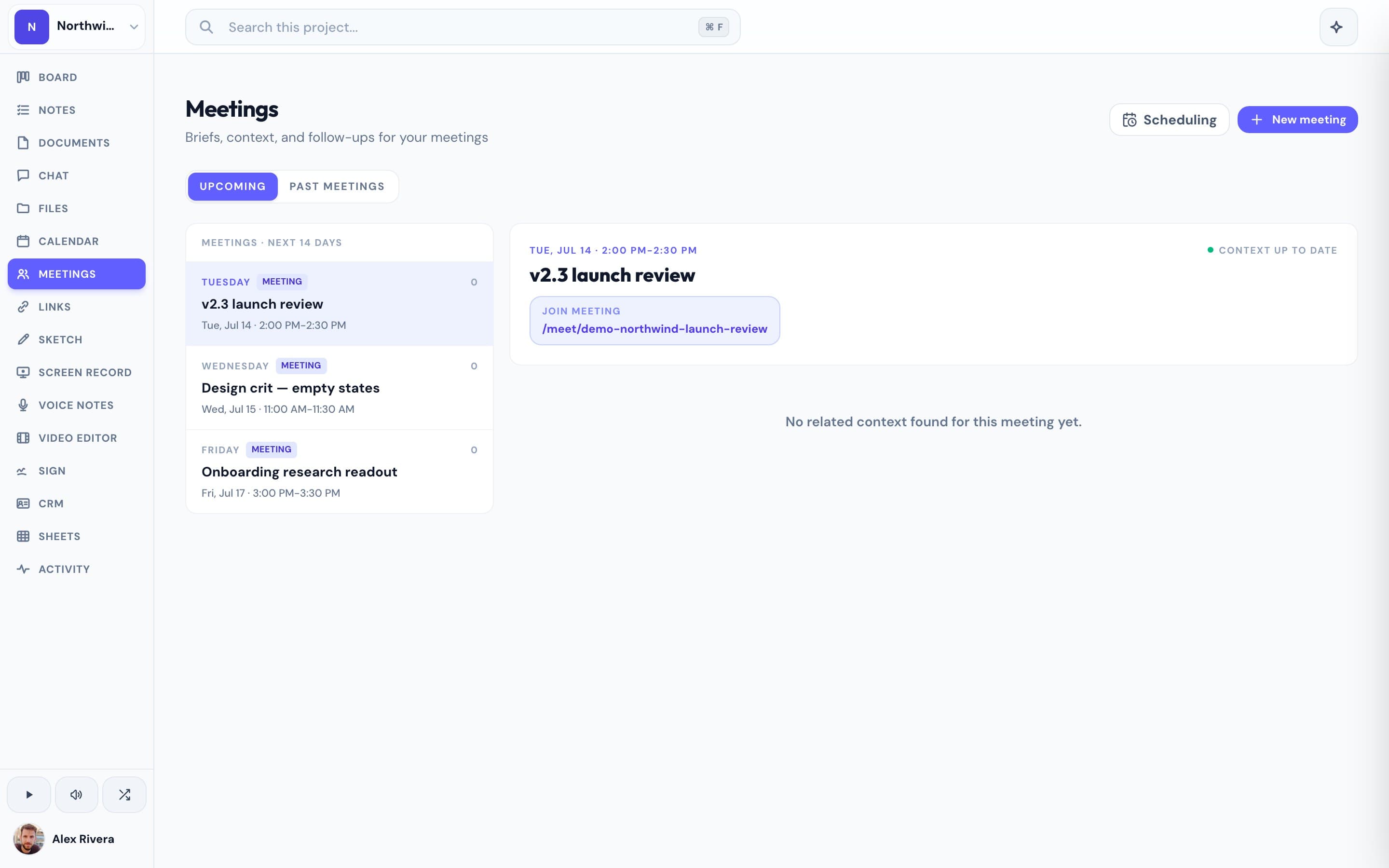
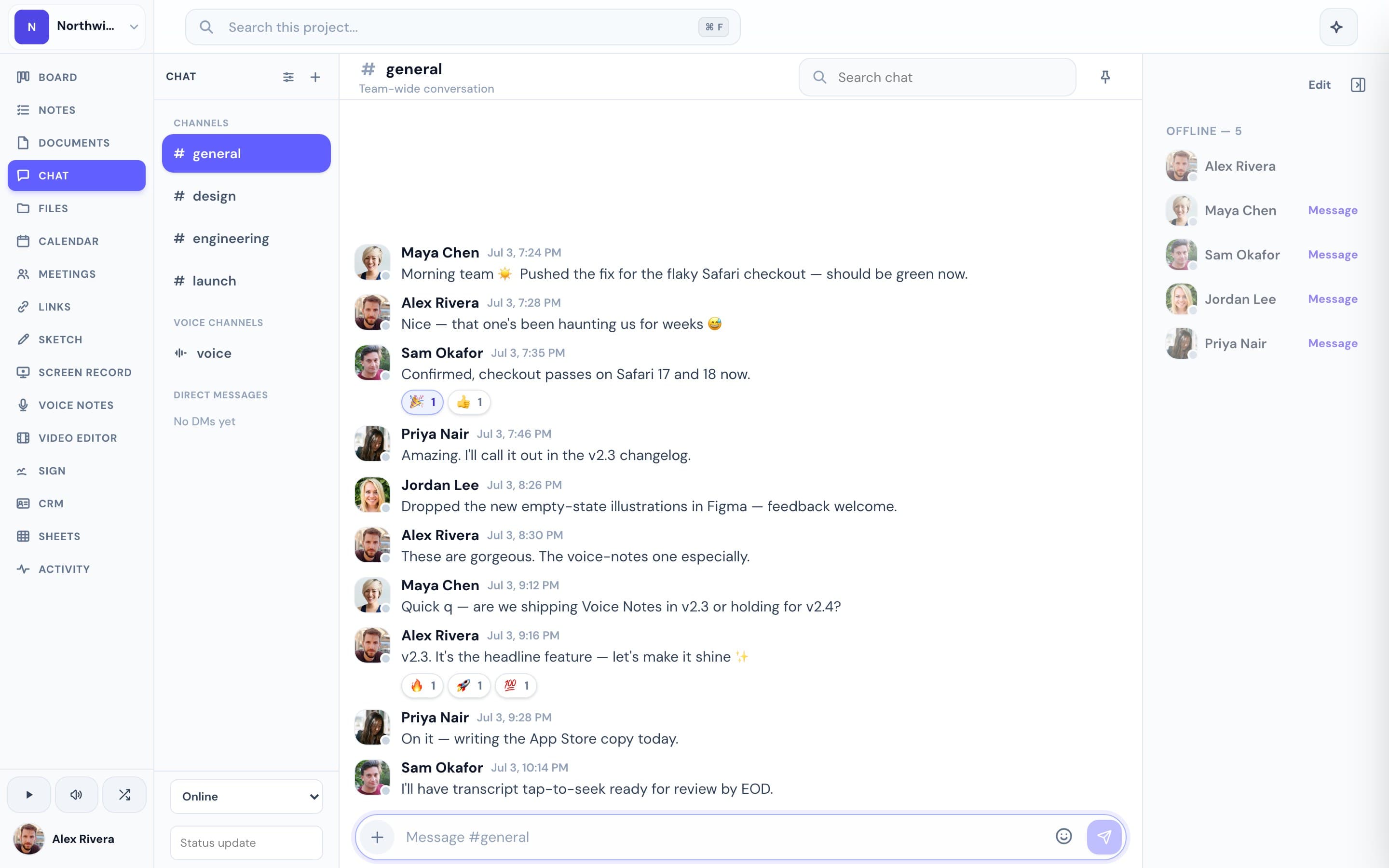
Progress doesn't try to out-notepad Granola. It removes the gap Granola's notes fall into afterward. Even Granola's fans admit the output is stranded: action items stay inside Granola with no native push to task managers, export is essentially copy-paste, and organization is a basic folder system. In Progress, the meeting itself runs in your workspace — you send a link, guests join in the browser with no account, and each participant's mic is recorded client-side. Afterward, the AI summary and action items are emailed to attendees, and the transcript and notes are saved into the project, right next to the kanban board, docs, chat, and files the meeting was about. Turning "we agreed to do X" into a card on the board is a step inside one tool, not a paste between three. The same AI notes work in ad-hoc voice channels, and solo voice notes get transcripts you can ask AI about. There are honest trade-offs: Progress has no in-person capture, no typed-bullet blending, and if your clients insist on Zoom, Granola fits your life better. But if you're willing to run meetings where the work already lives, the follow-through problem largely disappears. Progress is free during open beta — the whole workspace, meetings included — and beta users hear about pricing first.
This is the real thing
Actual screenshots from a live Progress workspace — not mockups. Every project ships with all of it.

Which one should you pick?
Pick Granola if your meetings happen on Zoom, Google Meet, or Teams and that isn't changing — especially if you're back-to-back all day, meet people in person, or love shaping notes with your own bullets as you go. It's the best-in-class invisible notepad, and Progress deliberately doesn't compete on other platforms' calls. Pick Progress if you'd rather the meeting, its notes, and the follow-up work share one home: you host the call in your workspace, guests join by link without an account, and the summary and action items are filed into the project where they turn into actual tasks. Teams that control where their meetings happen get the most out of Progress; teams whose calendar is dictated by everyone else's Zoom links should stick with Granola. Progress is free during the open beta, so trying one real meeting in it costs nothing but the calendar invite.
More AI meeting notes comparisons